UI Scale Quick Fix
GHub Platform · Гайд · 0 ответов · 3 просмотра
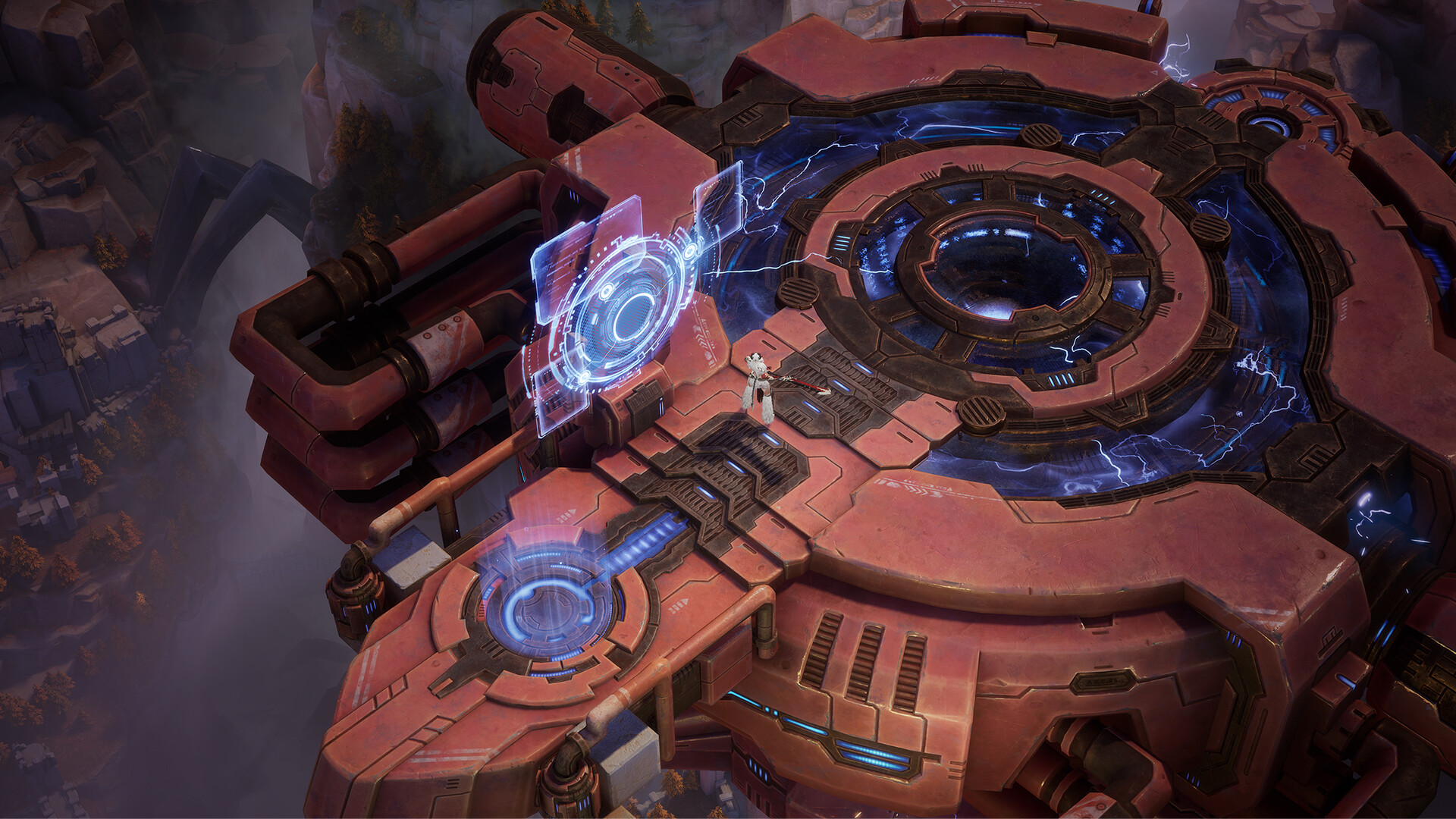
Right here ya go boys and girls Semi-fix until the developers ether give us some more control over our settings or change the ui for us go to ether SteamLibrary\steamapps\common\Torchlight Infinite\UE_game\saved\config\WindowsNoEditor or SteamLibrary\steamapps\common\Torchlight Infinite\UE_game\TorchLight\Saved\Config\WindowsNoEditor open up Engine.ini then at the bottom slap her on in save and then right click the same file go to properties and check mark "Read Only" [/script/engine.userinterfacesettings] ApplicationScale=0.75 The above is what i have set on a 2k resolution. So adjust the number to your own preference Before After --- Источник: https://steamcommunity.com/sharedfiles/filedetails/?id=2880935489
ИсточникGHub Platform · автор10.09.2026, 13:15:38
Right here ya go boys and girls Semi-fix until the developers ether give us some more control over our settings or change the ui for us go to ether SteamLibrary\steamapps\common\Torchlight Infinite\UE_game\saved\config\WindowsNoEditor or SteamLibrary\steamapps\common\Torchlight I…
Войдите, чтобы писать в группе