Основы Дайкатаны для начинающих игроков
GHub Platform · Гайд · 0 ответов · 13 просмотров
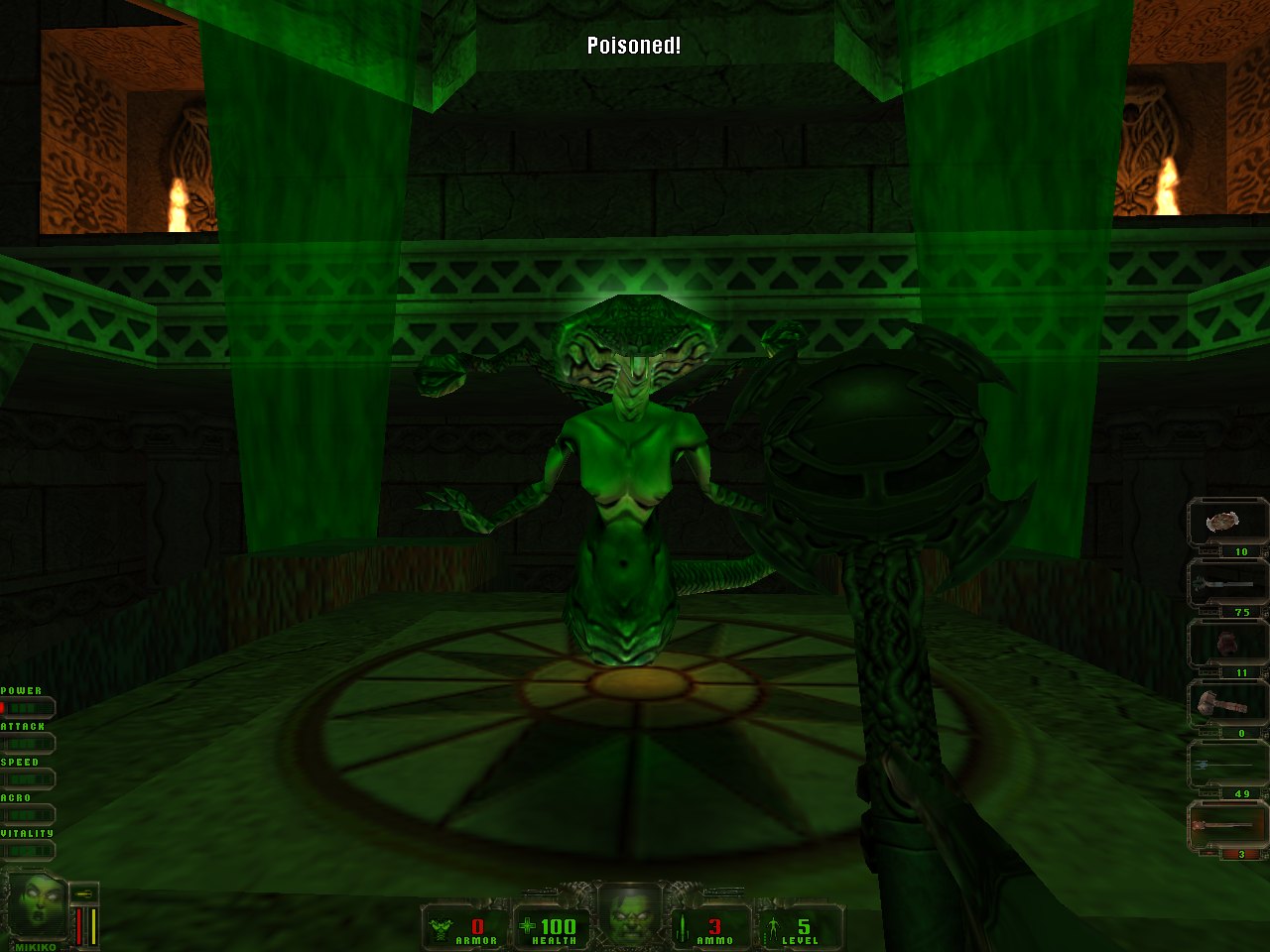
Daikatana is easily misunderstood game. It's a challenging game that can be a lot of fun most of the time. But it's also true that due bad design Daikatana can be also irritating and annoying game to play at times. Not to mention the unfortunate miscalculations in marketing of the game has gained the game a notorious reputation it doesn't really deserve. In general Daikatana is a fair 7/10 or 8/10 mediocre shooter. It should be kept in mind that Daikatana is a pure hardcore 90s FPS with astonishing amount of variety and content. One of the design goals of Daikatana was that it will keep always introducing player's something new between the levels. Daikatana has generally three maps per one level and in total Daikatana has 24 levels. Levels are split between four episodes. Each episode has its own unique theme and level design style. The game will take player from cyberpunk Japan to ancient Greece. And to medieval Norway and finally modern day San Francisco. There are 64 different monsters to fight with. And 25 different weapons each with its own unique characteristics to make use of. That makes Daikatana a massive game, or more precisely, four smaller FPS games, in a single package. Writer of this guide believes that Daikatana is the very final of the "big" AAA 90s shooters that got released. The reason for that is that Daikatana summarizes everything that was both good and bad with the 90s FPS games. The Writer of this guide also hopes that by reading this guide people gain better understanding how the core gameplay works in Daikatana. This guide will instruct how Daikatana's HUD works and how skill-points are spent and how to spent them efficiently. Guide will explain how to get the best out of the companion bots (Superfly and Mikiko) that follow the player though the entire game. That is one of more important parts of the guide. Guide will be updated until it covers everything that beginners need to know about playing the John Romero's Daikatana. Hopefully people will write some feedback about the guide. Especially would be important to get feedback from the people who are first-time players of Daikatana so guide can address their issues in a more direct manner. Have fun playing Daikatana! These are the very basic adjustments to the game everybody should do before starting a new game. I've tried to explain them in detail below. Set "brightness" to around 60% in "Video" options. When in-game adjust the value +/- 10% using eye measurement because different monitors require different brightness settings. Set "intensity" to 3 in "Video" options. That's a good basic value for average LCD's displays. CRT's probably want +/- 1 change depending on the colour calibration of the CRT monitor. Force V-Sync off from your display drivers for the Daikatana (if running version 1.2). Use Task Manager to set Daikatana's process's "affinity" to "0". (if you're running version 1.2 of the game on a modern hyper threaded multi-core CPU.) Enable "Unlimited Saves" in "Options" menu item. Brightness By default the Daikatana is too bright to play on most LCD displays. Reducing the brightness allows player to see the game in correct colours without player running into the "white smoke screen" effect (i.e. lack of colour saturation) when the intensity is adjusted to the correct level. This may sound weird considering that unless player adjusts the Intensity the game is likely to look too dark. But read on... Intensity The "Intensity" setting controls the overall brightness of the textures in Daikatana (i.e. the amount of light textures reflect). By default the Daikatana uses intensity of 1 which is way too low for modern LCD screens and the game is almost pitch black. A good general value for intensity is around 3. If the Intensity value is set too high, the game will look washed out and dull due lack of colour saturation. There also won't be any shadows or they're really faded out. Players will loose ability to see certain important things on the screen. That includes but isn't limited to certain switches and important items. Players also won't be able to see though the transparent water correctly (which helps to locate the first Greek alphabet in episode 2 as part of the "AEGIS" puzzle). Daikatana also has beautiful static light effects which are lost if there's too much intensity. The whole reason the game was delayed so much was the switch to Quake 2 engine so that the artists working with Daikatana could have the ability to paint the world with certain coloured static lights. Lights are pretty as long as the brightness and intensity are correctly configured. Having too much "intensity" causes loose of visual detail in significant amounts. Loading screen "ticks" and V-Sync In version 1.2 Daikatana has a bug which will cause game loading screen to be visible much much longer than it should be. If V-Sync is enabled for Daikatana, the game will wait for each "tick" sound to play out before moving to load something else. Forcing the V-sync off from the display driver control panel for Daikatana circumvents the bug and the loading screen will function like it is supposed to work. Installing the community made patch 1.3 also resolves this issue and player can have V-Sync with 1.3 if screen tearing is a huge issue for the player. Mouse lag and loading issues It's known that in version 1.2 the game has issues running on hyper-threaded multi-core CPUs. This can for example show up as a really irritating mouse movement(s) where moving the mouse makes movement on screen stop for a less than a second several times in a row while moving it (aka. teleportation issue). Or mouse movement in-general could feel very laggy. The multi-core issue also could cause loading and sound issues. These are known issues in most of the older games running on top of the Quake 2 engine and are not Daikatana specific. To the knowledge of the writer there are no good fixes for multi-core problem other than disabling the execution on all but one CPU core by setting the affinity of the process to 0. Installing the community-made patch 1.3 does resolve some of these issues. It should be noted that the developers of the patch 1.3 suggest that if players experience very laggy mouse movement or other mouse issues they should try to: Disable the mouse smoothing (i.e. setting "m_filter" to 0) Disable the V-Sync Disable the Triple Buffering Reduce the amount of frames which are rendered ahead Set "gl_ext_sgis" to 1 (if your system supports it) High mouse polling and/or DPI (>500Mhz, and >1800DPi) might cause issues with the game. These are very likely to solve majority of the mouse related issues. There can be other causes and in-turn other solutions for issues regrading the mouse (and joystick) problems in the Daikatana and other Quake 2 engine based games. That's something to keep in mind. Save Gems and Unlimited Saves Daikatana's original save game system takes inspiration from JRPGs where the saving was limited to certain points and to limited amount of save states due hardware limitations. However players generally were able to freely save but only at certain points and they only had approx. three different save game slots. Daikatana breaks that model in several ways that doesn't really work in a first-person shooter like Daikatana. First of all the saves are limited to "save gem" items. Players need to search for these from the level to save game. One "save gem" is exchanged to one save game state. They emit a sound that assists player in finding them. Players can save at any given time. However, while there are several "save gems" available, player can only carry three of them at any time. Once player finds the fourth "save gem", player is essentially forced to save the game. That makes this
ИсточникGHub Platform · автор10.09.2026, 17:00:01
Daikatana is easily misunderstood game. It's a challenging game that can be a lot of fun most of the time. But it's also true that due bad design Daikatana can be also irritating and annoying game to play at times. Not to mention the unfortunate miscalculations in marketing of th…
Войдите, чтобы писать в группе