Rainbow Six: Vegas Change FOV
GHub Platform · Гайд · 0 ответов · 13 просмотров
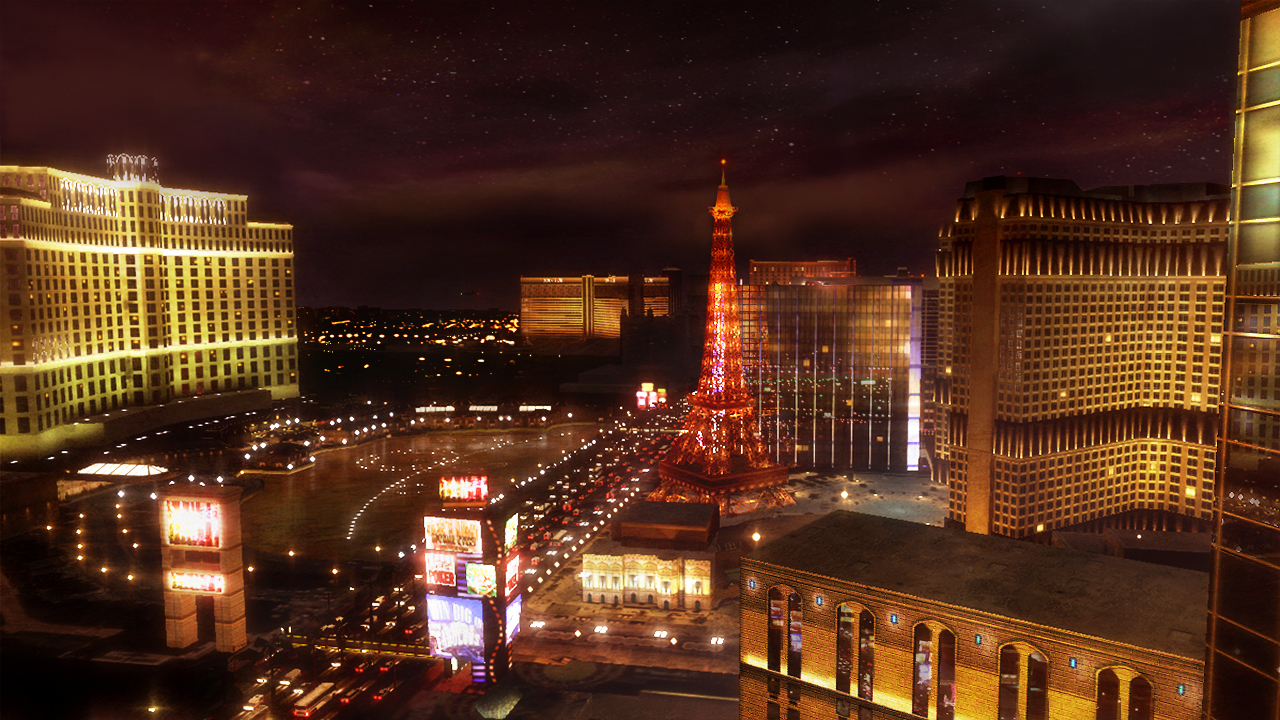
- Open these 3 files in a hex editor (e.g. HxD [mh-nexus.de] ) = (Path-to-game)\Rainbow Six Vegas\KellerGame\Content\CookedPc\Core.uppc = (Path-to-game)\Rainbow Six Vegas\KellerGame\Content\CookedPc\Engine.uppc = (Path-to-game)\Rainbow Six Vegas\KellerGame\Content\CookedPc\R6Game.uppc - Press Ctrl+R to open the "Replace" dialog - Select the "Floating point number" tab - Search for 59.84 - Replace with a FOV of your choosing (e.g. 90) - Click "Replace all" - Repeat for all 3 files - Done! Next time the game is started everything should be the specified FOV --- Источник: https://steamcommunity.com/sharedfiles/filedetails/?id=2213839927
ИсточникGHub Platform · автор10.09.2026, 19:44:49
- Open these 3 files in a hex editor (e.g. HxD [mh-nexus.de] ) = (Path-to-game)\Rainbow Six Vegas\KellerGame\Content\CookedPc\Core.uppc = (Path-to-game)\Rainbow Six Vegas\KellerGame\Content\CookedPc\Engine.uppc = (Path-to-game)\Rainbow Six Vegas\KellerGame\Content\CookedPc\R6Game…
Войдите, чтобы писать в группе