Marc Eckō's Getting Fixed
GHub Platform · Гайд · 0 ответов · 11 просмотров
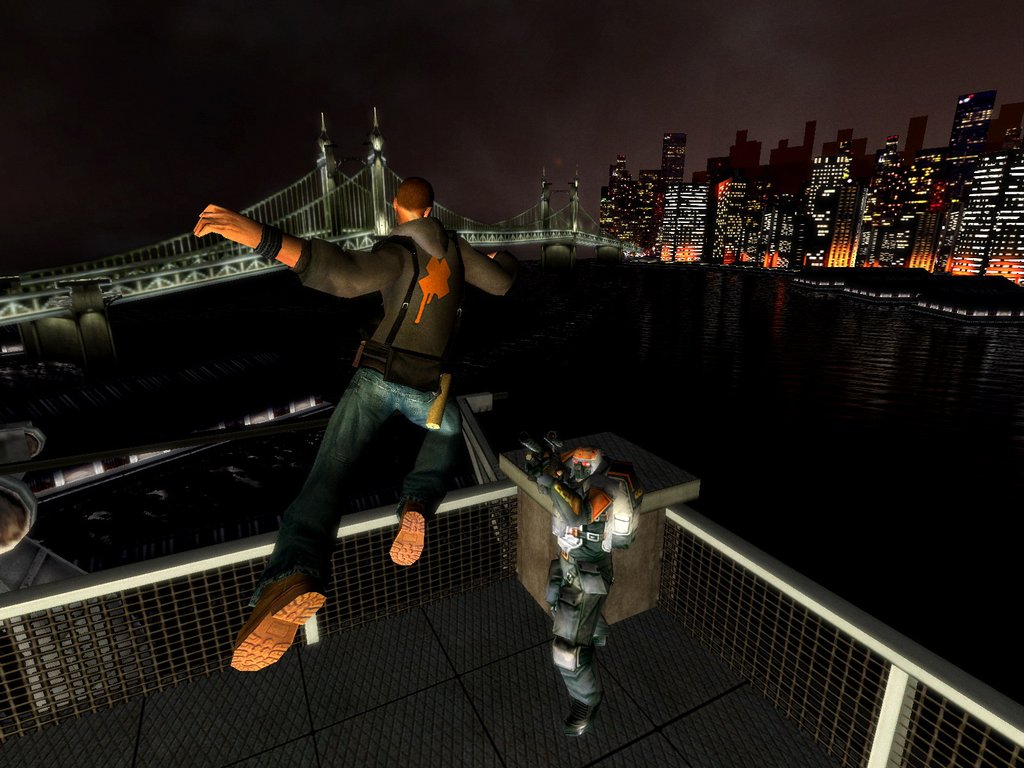
!!! NOTE !!! You shouldn't play above 60 FPS, the game launcher allows custom FPS setting, but you should play at 30 max 60 (so you don't break the game, this is the culprit of many problems) Issues and solutions may vary depending on your operating system, and please refer to Windows official guides to use their utilities, otherwise you could harm your device I never had very big problems with this game, so I couldn't test all these fixes with my hands, but the guide gets updated everytime a solution is confirmed or a new one is found So first of all, look for a fix to your problem in " Technical Issues " or " Gameplay Issues " and its subsection to not lose time (from the index or scroll down below, else just search with Ctrl+F), if you couldn't fix your issue there then you can check some of the " General Solutions ". The solutions I wrote in those 3 highlighted sections, are all in order from things you should try first and if those at the top don't work you can then follow the order below for more drastic solutions. Fixes from the modding community: 🆕 GettingUp launcher2 [github.com] , fixes the Mouse Speed issue and adds a Language selector option in the launcher MEGUMemLeakFix [github.com] , fixes memory leak crashes within the game, improves long play sessions Xbox Visual Effects [community.pcgamingwiki.com] , restores the missing graphics effects from the PC version compared to Console: rain, snow, fog, cutscenes's stuff etc. utilizing files from the Xbox debug build 🚧 GettingUpTrainCamFix [discord.gg] , this one fixes the train camera's jumping if you still want to play at more than 60 FPS during the subway mission, otherwise it's not really needed. It's available only on the game's Discord and won't get uploaded elsewhere because it's basically a test mod and will probably get included in a patch, eventually. Stay tuned in the future for more information... " Abort Call Stack " Possible Solutions : Windows Antivirus blocking savegames folder, allow it the access, or an external program (like an FPS monitoring software) interfering with the game " Buffer Overrun " Possible Solutions : Run game as admin and/or in compatibility mode (XP, Vista etc.) try and apply the same to launcher's .exe file Enable the d3d8to9 driver in the game's launcher Install Visual C++ 2005 [www.microsoft.com] 2008 [download.microsoft.com] 2010 [download.microsoft.com] runtimes and/or DirectX [www.microsoft.com] Do a scan with your antivirus and/or whitelist Getting Up from it Download the MemLeakFix [github.com] mod Run a registry check in Windows (for example using CCleaner [www.ccleaner.com] ) " Buffer Overflow " Possible Solutions : ??? " Random Crash / EXCEPTION_ACCESS_VIOLATION / MAP FILE STALKWALK " Confirmed Solution : Set Windows Vista compatibility mode for just "launcher.exe", not the game itself. Credit source Other possible solutions : Run the game's launcher as admin and/or in compatibility mode like Windows XP SP3 etc. (If you are on Windows 7, setting compatibility mode to "Windows 7" could also work) Close any external programs interfering (like FPS monitoring software) Download and install DirectX [www.microsoft.com] Enable the d3d8to9 driver in the game's launcher Update your PC drivers " Black textures flickering/Invisible graffiti/Trane character not displaying " Confirmed Solution : Enable the d3d8to9 driver in the game's launcher Other possible solutions: Install DirectX [www.microsoft.com] Enable Draw Pillarboxes in the game's launcher Play at 30/60 FPS in Borderless Window Use dgVoodoo 2 [www.pcgamingwiki.com] , to not make it conflict with the Widescreen Fix look > here < " Bugged camera in Subway Ride mission " Solutions: Play at 30/60 FPS, or download the fix in the Discord server " Harder combat/Tanky enemies/Camera moving too fast/Broken ladders " Solutions: Play at 30, max 60 FPS " Mouse Sensitivity problems, like the launcher resetting it everytime " Confirmed Solution: Download GettingUp launcher2 [github.com] or change your system's Decimal separator symbol from a comma (,) to a period (.) { Read More... } " Text not showing in the game's main menu " Solution: If your operating system is in Chinese or Korean, download > this mod < [community.pcgamingwiki.com] " Crash when playing in Fullscreen mode and using ALT-TAB keys, or clicking the mouse during loading screens " Possible Solutions: Enable the d3d8to9 driver in the game's launcher Apply Windows Vista/XP SP3 compatibility mode to the launcher's .exe file only (not Getting Up) Play in Borderless Window mode instead Use dgVoodoo 2 [www.pcgamingwiki.com] " Game closing when starting a level " Possible Solution: Run the game with independent graphic card instead of integrated Credit source " No saved games found / Reached the maximum savegames " Confirmed Solution: Check Windows antivirus's protection history, Getting Up folder gets blocked so just simply allow it or else if you want disable the controlled folder access/whitelist the game from it. " Radial Inventory wheel menu/Equipped weapon icon not showing properly at higher resolutions " Possible Solution: Use the "Widescreen HUD Fix" option in the game's launcher " Enemies not seeing/fighting you in Story Mode, after playing a match in Versus Arena " Solutions: Exit the game, and set false to "aiDisabled" in the vars_pc.cfg file inside engine folder (Temporary fix) For a permanent patch, hex edit the file "g_Rhapsody.sgl", change the byte "C6 82 C4 00 00 00 01" to "C6 82 C4 00 00 00 00" Credit source " Player 1 graffiti art overlay not showing in intro cutscene during Beat Down Arena matches, with a wrong position for Player 2 " Solution: Remove " GettingUp.WidescreenFix.asi " in _Bin folder. Or play at lower resolutions. (This will remove the Widescreen patch as it's a bug related to it, so the choice is yours) { Read More... [github.com] } " Decoy's model still showing up after the mission cutscene ends in level "Yard Entrance" (Chapter 4 - 1) " Solution: Go to folder -> engine/Cinematics/ M04 , edit " CIN_M04_005.xml " with Notepad, and add EndGhosted="true" after DialogueId="DCY" , so you would have this: <CinEvent_LinkInstance MeshName="R1_Decoy_01" InstanceName="CIN_Decoy" DialogueId="DCY" EndGhosted="true"/> His position depends on when/or if you skip the cutscene, also I don't really know why it works with EndGhosted set to false too, if you do this fix though Decoy won't have his jacket for some reason so to keep it all original let's also edit " CIN_M04_005.cin " file inside the same folder with any Hex editor, change this line: Meshes/Chars/Unique/Decoy_01/Decoy_01 to this: Meshes/Chars/Unique/Decoy_02/Decoy_02 " VANR guy's mesh showing in "New Radius Tunnel" intro cutscene (Chapter 5 - 1) when playing with disabled cutscene borders, before he's supposed to appear " { CIN_M05_000 , model 'VanRS_02' } Partial Solution: not the only "Cutscene Borders" related problem but not really a big issue either, it was one of the major I noticed, play with them enabled in the launcher if that really bothers you, the guy's position can be hex edited but not really worth it for now. " Dialogue Voicelines bugs " - (ITALIAN) Gabe random voiceline in Chapter 9 - Level 3 ( Video ) Solution: Download this >modified .rpe file< [drive.google.com] , replace the original with it in engine/ Dialogue folder. {Read more info about it in the archive.. credits to @Disquse for his RPEMaster tool on Discord} (FRENCH, GERMAN, SPANISH, ITALIAN) -Trane not speaking at the start of Chapter 11 - Level 1 ( Video ) Solution: Open
ИсточникGHub Platform · автор11.09.2026, 02:14:42
!!! NOTE !!! You shouldn't play above 60 FPS, the game launcher allows custom FPS setting, but you should play at 30 max 60 (so you don't break the game, this is the culprit of many problems) Issues and solutions may vary depending on your operating system, and please refer to Wi…
Войдите, чтобы писать в группе