How to shoot the ball (EXTREME EDITION)
GHub Platform · Гайд · 0 ответов · 11 просмотров
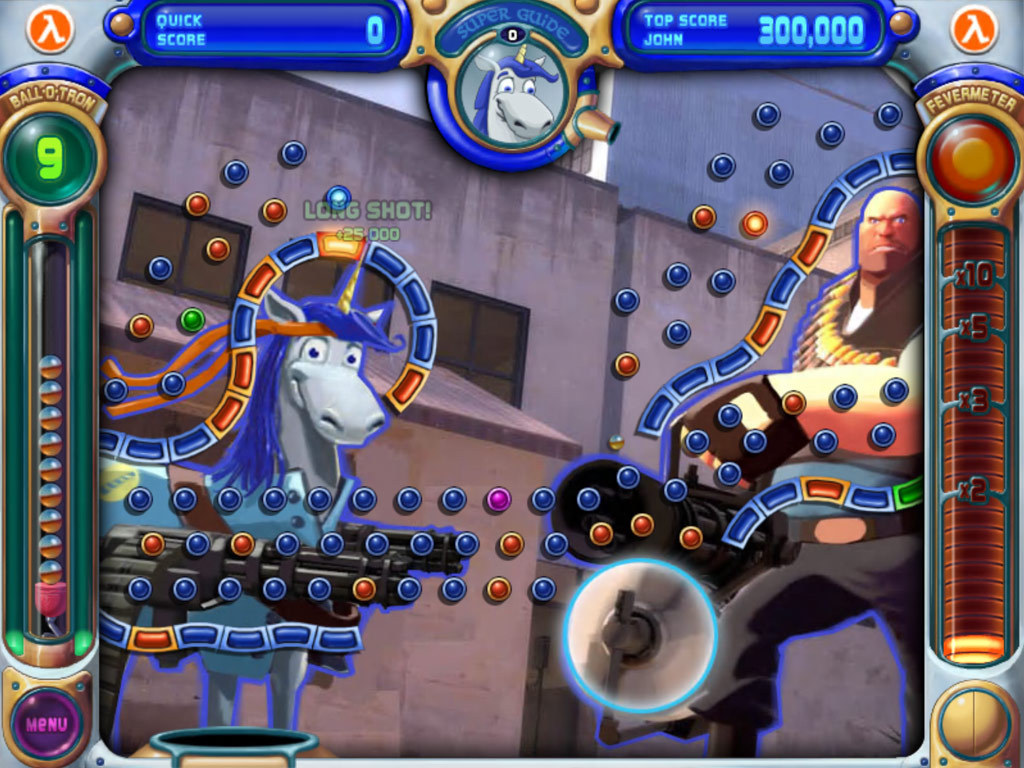
To start, make sure that you are using the correct mouse button, seen below: Now, watch this quick tutorial on how to click a mouse: Now that you have watched the tutorial, please refer to the guide for your operating system. Windows 10/11 1. Use the left mouse button to shoot the ball. Windows 8 1. Upgrade to Windows 10/11 because why are you still on Windows 8 2. Use the left mouse button to shoot the ball. Windows 7 1. Use the left mouse button to shoot the ball. Windows XP 1. Use the left mouse button to shoot the ball. Windows 95/98/ME 1. wow you're bold for still using that 2. Use the left mouse button to shoot the ball. macOS 1. Get an actual mouse. 2. Use the left mouse button to shoot the ball. MS-DOS 1. Get a new PC. 2. Install Windows. 3. Use the left mouse button to shoot the ball. Linux (Debian/Ubuntu) 1. Use the left mouse button to shoot the ball. Arch Linux 1. Yes, we get you use arch btw. 2. Use the left mouse button to shoot the ball. Hannah Montana Linux 1. Use the left mouse button to shoot the ball. Temple OS 1. Use the left mouse button to shoot the ball. Suicide Linux 1. Congratulations on actually getting this far. 2. Use the left mouse button to shoot the ball. Red Star OS 1. Avoid execution. 2. Use the left mouse button to shoot the ball. Other Operating Systems 1. Install one of the OSes listed above. 2. Use the left mouse button to shoot the ball. What if I don't have a computer? Buy a computer. What happens if you use the right mouse button? you don't want to know What if I don't have a mouse? 1. how did you even get to this guide 2. buy a mouse Does this guide work on a potato? I can not guarantee compatibility with any root vegetables. --- Источник: https://steamcommunity.com/sharedfiles/filedetails/?id=3767373309
ИсточникGHub Platform · автор11.09.2026, 08:50:37
To start, make sure that you are using the correct mouse button, seen below: Now, watch this quick tutorial on how to click a mouse: Now that you have watched the tutorial, please refer to the guide for your operating system. Windows 10/11 1. Use the left mouse button to shoot th…
Войдите, чтобы писать в группе