SMRI-MOD and Holiday_Scenario + Custom Maps
GHub Platform · Гайд · 0 ответов · 11 просмотров
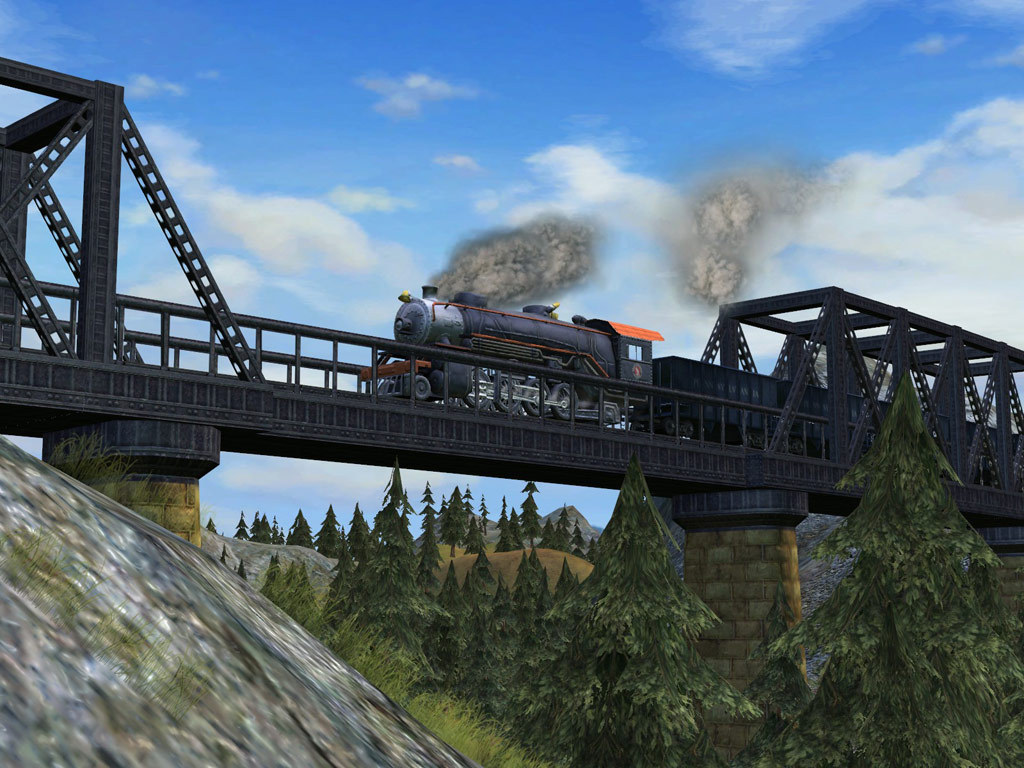
This is the english instruction. If you want to read the instructions in german you need to scroll down or click on ".: German :." in the summary. Make sure you have a fresh steam-game-installation of Sid Meiers Railroads. Start the game a first time (important). Exit the game. Download SMRI1.01 http://www.moddb.com/mods/sid-meiers-railroads-intercontinental/downloads/smri101 Unzip the downloaded .zip-package to your desktop. Go to your Steam-installation of Sid Meiers Railroads e.g.: C:\Program Files (x86)\Steam\SteamApps\common\Sid Meier's Railroads Now open the folder "Assets" from that folder and copy all the files (it's about 1,4 gb) Go to: %USERPROFILE%\Documents\My Games\Sid Meier's Railroads Or: D:\Documents\My Games\Sid Meier's Railroads Open the folder "CustomAssets" Now paste the copied files Wait till it's done Now open the folder "Localization" from the fresh pasted files Copy all the files again (it's about 57 mb) Go 1 folder back (to "CustomAssets") Open the folder "XML" Paste the copied files Now go to your desktop and double-click on "Setup_SMRI_1.01" with your left mouse-button (with Admin-rights). On the "welcome-page" of the installer click "Next" (if a notification appears then just click "ok" (maybe pops up serveral times)) In the "Destination Folder"-inputbox you must delete the "Sid Meier's Railroads!" word. If you have a folder like this: "D:\Documents\My Games\Sid Meier's Railroads\Sid Meier's Railroads!", the installation of SMRI WILL fail!! If you have a folder like this: "D:\Documents\My Games\Sid Meier's Railroads", then everything is okay. Go to: http://smrsimple.com/map-database/ Select a map of your choice and download it. Extract the folder with the map-name to: %USERPROFILE%\Documents\My Games\Sid Meier's Railroads\UserMaps If there is no folder and just the files of the map then you need to create a folder before. If there is a file with the ending ".FPK" then you need to copy/extract it to: %USERPROFILE%\Documents\My Games\Sid Meier's Railroads\CustomAssets Dies ist die deutsche Beschreibung der Installation. Stelle sicher, dass du eine neue und frische steam installation von Sid Meier's Railroads hast. Starte das Spiel ein erstes mal (wichtig!). Verlasse das Spiel. Download SMRI1.01 http://www.moddb.com/mods/sid-meiers-railroads-intercontinental/downloads/smri101 Unzippe das gedownloadete .zip-Paket auf deinen Desktop. Nun öffne den Steam-Installationsordner von Sid Meier's Railroads e.g.: C:\Program Files (x86)\Steam\SteamApps\common\Sid Meier's Railroads Nun öffne den Ordner "Assets" von diesem Ordner und kopiere alle dateien darin (ca. 1,4 gb) Gehe zu: %USERPROFILE%\Documents\My Games\Sid Meier's Railroads Oder: D:\Dokumente\My Games\Sid Meier's Railroads Öffne den Ordner "CustomAssets" Jetzt füge alle zuvor kopierten Dateien hier ein. Warte bis der Vorgang abgeschlossen ist. Nun öffne den Ordner "Localization" von den gerade kopierten Dateien. Kopiere hier wieder alle Dateien (ca. 57 mb) Gehe 1 Ordner zurück (zu "CustomAssets") Öffne den Ordner "XML" Füge alle kopierten Dateien hier ein. Nun gehe zu deinem Desktop und doppel klicke auf "Setup_SMRI_1.01" mit deiner linken Maustaste (mit Admin rechten!). In der "welcome-page" des Installers auf "Next" klicken (Wenn ein Hinweis erscheint, dann einfach auf "ok" klicken (könnte mehrmals aufploppen)) In der "Destination Folder"-inputbox musst du das "Sid Meier's Railroads!" Wort löschen. Wenn du so einen Ordner hast: "D:\Dokumente\My Games\Sid Meier's Railroads\Sid Meier's Railroads!", dann WIRD die Installation von SMRI NICHT funktionieren!! Wenn du so einen Ordner hast: "D:\Dokumente\My Games\Sid Meier's Railroads", dann ist alles okay. Gehe zu: http://smrsimple.com/map-database/ Wähle eine Map deiner Wahl und lade sie herunter. Extrahiere den Ordner mit dem Map-Namen zu: %USERPROFILE%\Documents\My Games\Sid Meier's Railroads\UserMaps Wenn da kein Ordner ist, sondern nur die Dateien der Map, dann musst du erst einen Ordner erschaffen. Wenn da eine Datei mit der Endung ".FPK" ist, dann musst du sie kopieren/extrahieren zu: %USERPROFILE%\Documents\My Games\Sid Meier's Railroads\CustomAssets --- Источник: https://steamcommunity.com/sharedfiles/filedetails/?id=376252185
ИсточникGHub Platform · автор11.09.2026, 22:05:50
This is the english instruction. If you want to read the instructions in german you need to scroll down or click on ".: German :." in the summary. Make sure you have a fresh steam-game-installation of Sid Meiers Railroads. Start the game a first time (important). Exit…
Войдите, чтобы писать в группе