Mid Game Crash Fix (64bit) [updated 2023!]
GHub Platform · Гайд · 0 ответов · 11 просмотров
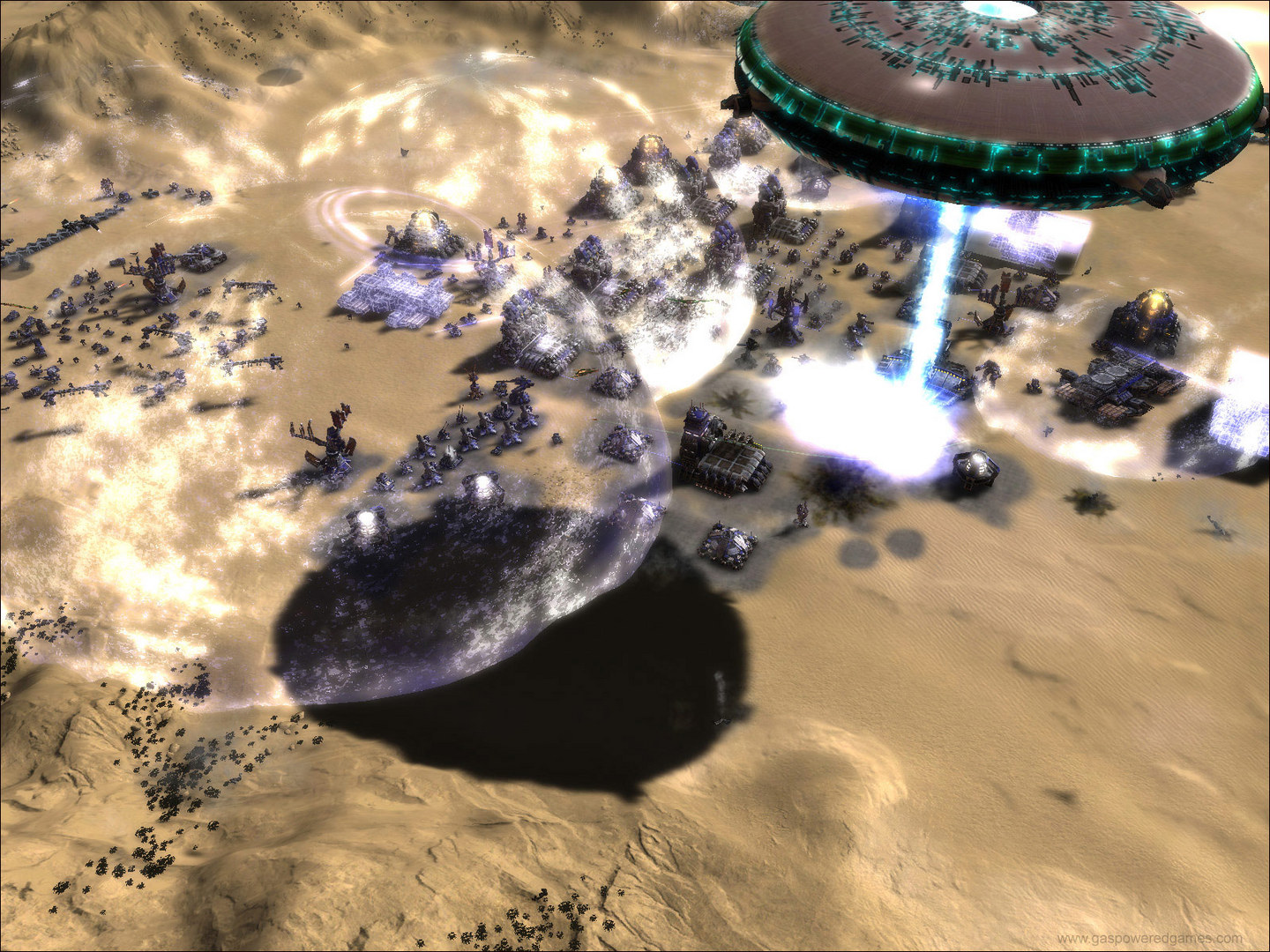
Check out Forged Alliance Forever which lets you add campaigns, fixes issues and other ♥♥♥♥, check it here: https://www.faforever.com/ Sorry that this guide may look sloppy. This is my first ever guide The problem with midway game crash is that the game is excedding its 2GB ram limit forcing itself to crash this has nothing to do with you its just there isnt an official 64bit patch for the game. This is level 2 of the UEF I keep crashing here cause I make huge armys in hard mode So the fix here is pretty simple, I will be adding screenshots. First go here http://ntcore.com/4gb_patch.php The site should look like this Download and extract the file (Im using winrar) Now, double click the program and navigate to supreme command which should be located at C:\Program Files (x86)\Steam\steamapps\common\Supreme Commander\bin and patch it. (Make sure to back it up first!) Then launch supreme commander then it should work! Feel free to add me to join in my private servers and fun! thanks for reading and I hope it worked! --- Источник: https://steamcommunity.com/sharedfiles/filedetails/?id=353050087
ИсточникGHub Platform · автор12.09.2026, 04:24:30
Check out Forged Alliance Forever which lets you add campaigns, fixes issues and other ♥♥♥♥, check it here: https://www.faforever.com/ Sorry that this guide may look sloppy. This is my first ever guide The problem with midway game crash is that the game is excedding its 2GB ram…
Войдите, чтобы писать в группе