BloodRayne uncensored patch
GHub Platform · Гайд · 0 ответов · 13 просмотров
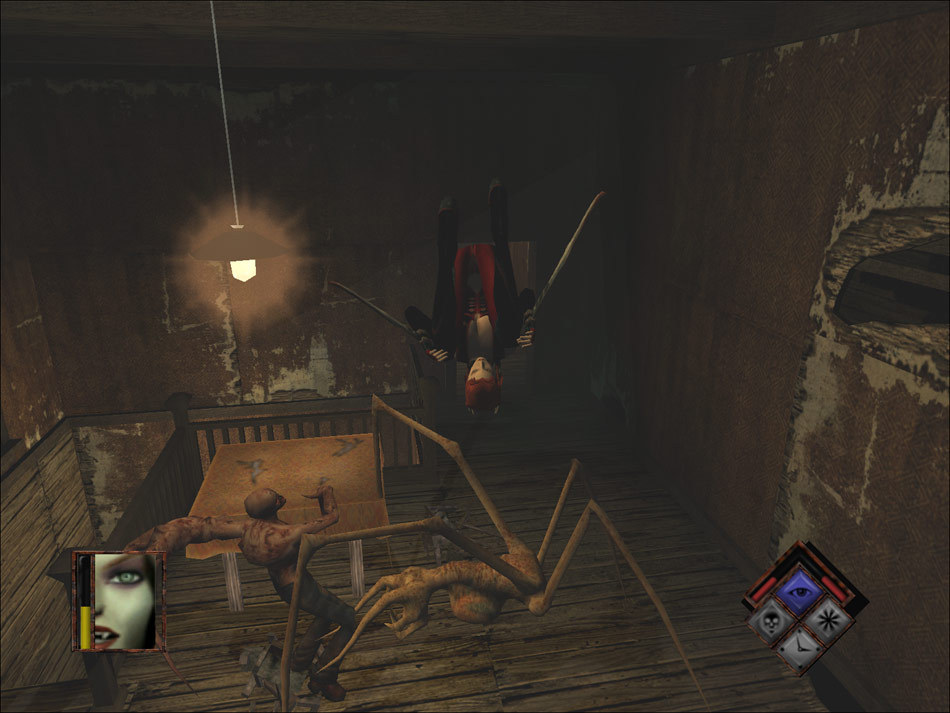
First you will need to grab the file for the mod. https://drive.google.com/open?id=1i1RZkn8D8XtiNPMcz6eI7Z4BE6amwBrm Thanks to Spitfire for the reupload! To install you will need to install the UNCUT.POD from the archive you downloaded to the game directory located at "C:\Program Files (x86)\Steam\steamapps\common\BloodRayne" and then you will need to edit the PC.POD.INI file with notepad and add the lines below. NOTE: My location was provided as reference but on your PC depending on your steam location this might be different. You are going to need to change the number from 6 to 7 and add the line for the UNCUT.POD so it looks exactly like this. 7 UNCUT.POD PCART.POD PCMODEL.POD PCSET.POD PCSOUND.POD STARTUP.POD WORLD.POD Now you can save the file from within notepad and that is it! Now you can play the game the way the developers originally intended! If you have found my guide useful please give it an upvote and post below if you like it or have any issues with it and I will try to see if I can be of some help. --- Источник: https://steamcommunity.com/sharedfiles/filedetails/?id=664604969
ИсточникGHub Platform · автор12.09.2026, 05:54:14
First you will need to grab the file for the mod. https://drive.google.com/open?id=1i1RZkn8D8XtiNPMcz6eI7Z4BE6amwBrm Thanks to Spitfire for the reupload! To install you will need to install the UNCUT.POD from the archive you downloaded to the game directory located at "C:\Pr…
Войдите, чтобы писать в группе