Пользовательский мод палитры
GHub Platform · Гайд · 0 ответов · 11 просмотров
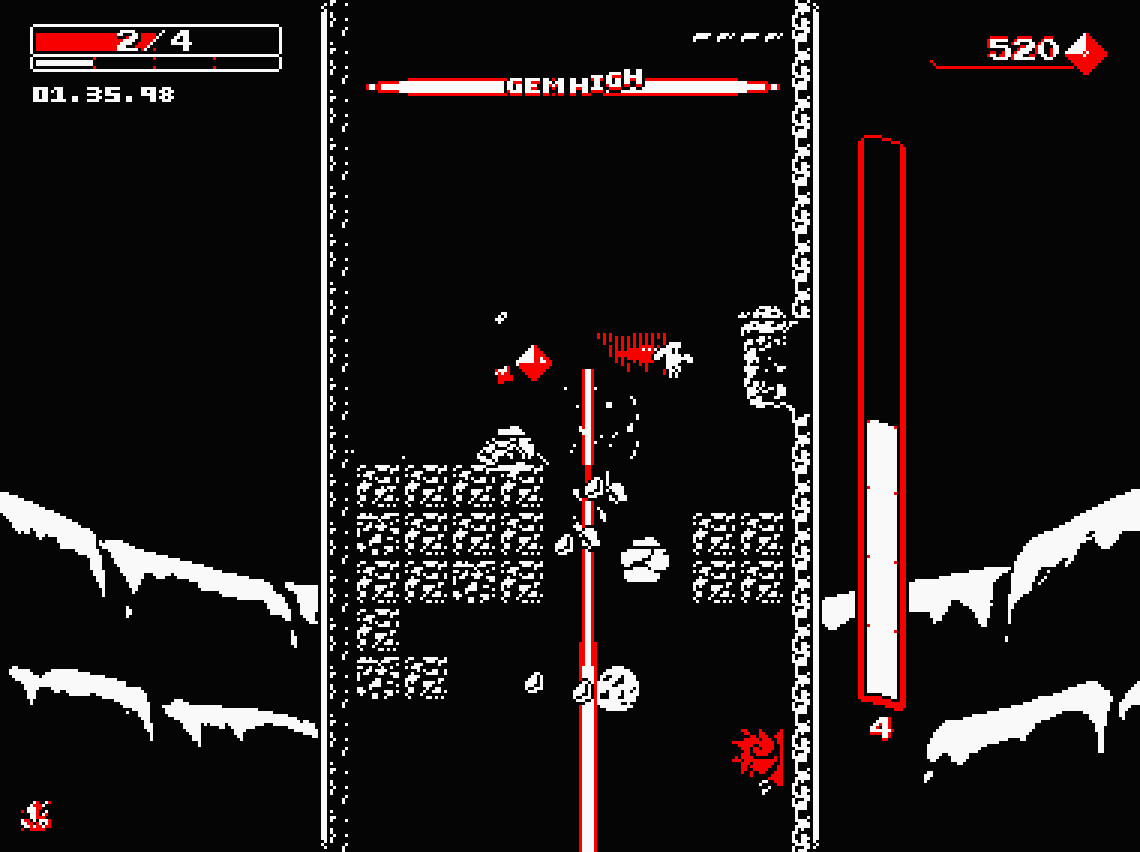
Hey all! I've been getting into modding this game recently, and one of the first things I did was give myself the ability to customize my own palette. The mod installer is located here [github.com] , and consists of an executable which will automatically modify the game files for you. The source code is also available, if you want to see how I did it or make sure there's no funny business going on. An example of a custom palette created using this mod. This mod adds a customizable palette to the game which is unlocked at 600000 cumulative gems. The name and all color values of this palette can be altered at will through the palette.ini file, which is located in the game's save directory. On Windows machines, this should be %localappdata%\Downwell_v1_0_5 . Keybinds Ctrl + R - Randomizes all color values of the custom palette. Be warned: this will overwrite any color values you had previously specified in save.ini. Ctrl + P - Refreshes the custom palette based on changes made to save.ini so you don't have to restart your game every time you want to make a minor change. You must save save.ini prior to using this keybind—otherwise nothing will change. Save File Entries name - The name of the palette. palettexy - A value between 0 and 255 inclusive. x determines what type of object this will change, while y determines whether this value represents red, green or blue. x-values 0 - normal objects (bricks, the player, etc.) 1 - bright objects (gems, dangerous enemies, etc.) 2 - background 3 - water (this is barely noticeable—it just affects some color highlights in aquifer and the boss' third stage) y-values 0 - red 1 - green 2 - blue normal, bright, background, and water - These four are just here to remind you of which x-value corresponds to which class of objects, they don't have any mechanical effect. Installing this mod is very simple: Download the latest release of the mod from Github [github.com] . Extract the contents of the .zip file to a folder, doesn't matter where. Run the installer and follow the instructions therein. Congrats! You can now run Downwell through Steam and bask in your newfound and luxuriant freedom of color.* * As long as you've collected at least 600000 gems over the course of your career. If not, best get cracking! Please contact me with any issues you may have! You can comment below or DM me here or on Discord [discord.gg] , where I'm exotico. --- Источник: https://steamcommunity.com/sharedfiles/filedetails/?id=2403867582
ИсточникGHub Platform · автор13.09.2026, 19:36:18
Hey all! I've been getting into modding this game recently, and one of the first things I did was give myself the ability to customize my own palette. The mod installer is located here [github.com] , and consists of an executable which will automatically modify the game files for…
Войдите, чтобы писать в группе