Custom Resolution and Skipping Intro Logos
GHub Platform · Гайд · 0 ответов · 1 просмотр
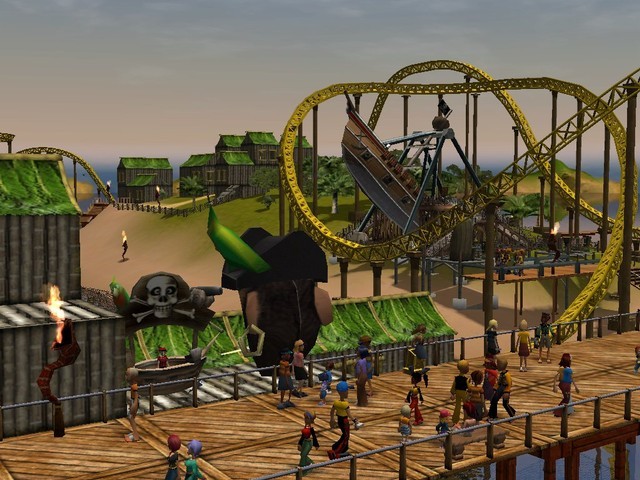
Navigate to your Roller Coaster Tycoon 3 Options.txt %appdata%\Atari\RCT3 or C:\Users\USERNAME\AppData\Roaming\Atari\RCT3 Then simply change the numbers after Resolution (should be the first line). It seems to support widescreen resolutions. Example: Resolution 1920 1080 In the same file as before ( %appdata%\Atari\RCT3\Options.txt ): Add the following to Options.txt (at the bottom is fine) SkipBannerSequence 1 For more options and cheats check out http://rct3.wikia.com/wiki/The_'Options.txt'_Cheats#Original_List --- Источник: https://steamcommunity.com/sharedfiles/filedetails/?id=151411354
ИсточникGHub Platform · автор13.09.2026, 22:39:29
Navigate to your Roller Coaster Tycoon 3 Options.txt %appdata%\Atari\RCT3 or C:\Users\USERNAME\AppData\Roaming\Atari\RCT3 Then simply change the numbers after Resolution (should be the first line). It seems to support widescreen resolutions. Example: Resolution 1920 1080 In the…
Войдите, чтобы писать в группе