Windows 8/10 Fullscreen FIX !!!
GHub Platform · Гайд · 0 ответов · 3 просмотра
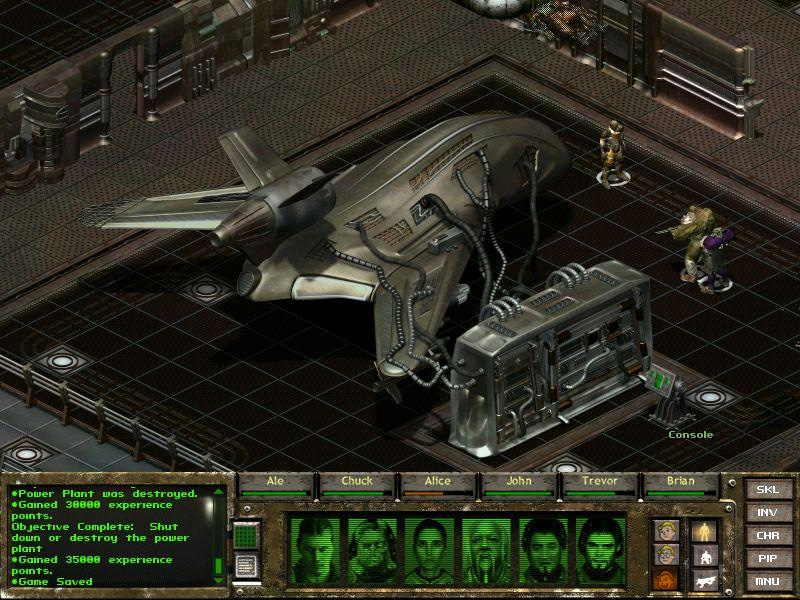
I posted this in the forums a long time ago, but realized it would be more visible as a guide. OK, after messing around with this for a while, I found a super-easy fix for the Windows 8 "C:\dev\phoenix..." fullscreen error. Here it is: Start up the game using the "Windowed (Workaround for Windows 8)" option From the main menu, go to "Options / Display" and click the "Default" option at the bottom of the screen. Your game window should automatically resize itself. Exit the game, then start the game again using the normal "Play Fallout Tactics" option Congratulations, now you're playing in fullscreen! If you like playing in the original resolution, but also would like widescreen, go to your video card control panel and add a custom resolution of 1066x600, then select that in-game. Best of both worlds! For NVIDIA cards, open the Control Panel, click "Change Resolution" on the left panel, under the list of resolutions there's a "Customize..." button. Click that, then click "Create Custom Resolution..." Once there, enter 1066 for Horizontal and 600 for Vertical, and leave everything else default. Click Test and it should work! Once you've added that to your list of resolutions, it will show up as an option inside the game. --- Источник: https://steamcommunity.com/sharedfiles/filedetails/?id=381799448
ИсточникGHub Platform · автор13.09.2026, 23:09:39
I posted this in the forums a long time ago, but realized it would be more visible as a guide. OK, after messing around with this for a while, I found a super-easy fix for the Windows 8 "C:\dev\phoenix..." fullscreen error. Here it is: Start up the game using the "…
Войдите, чтобы писать в группе