Forcing ultrawide support
GHub Platform · Гайд · 0 ответов · 5 просмотров
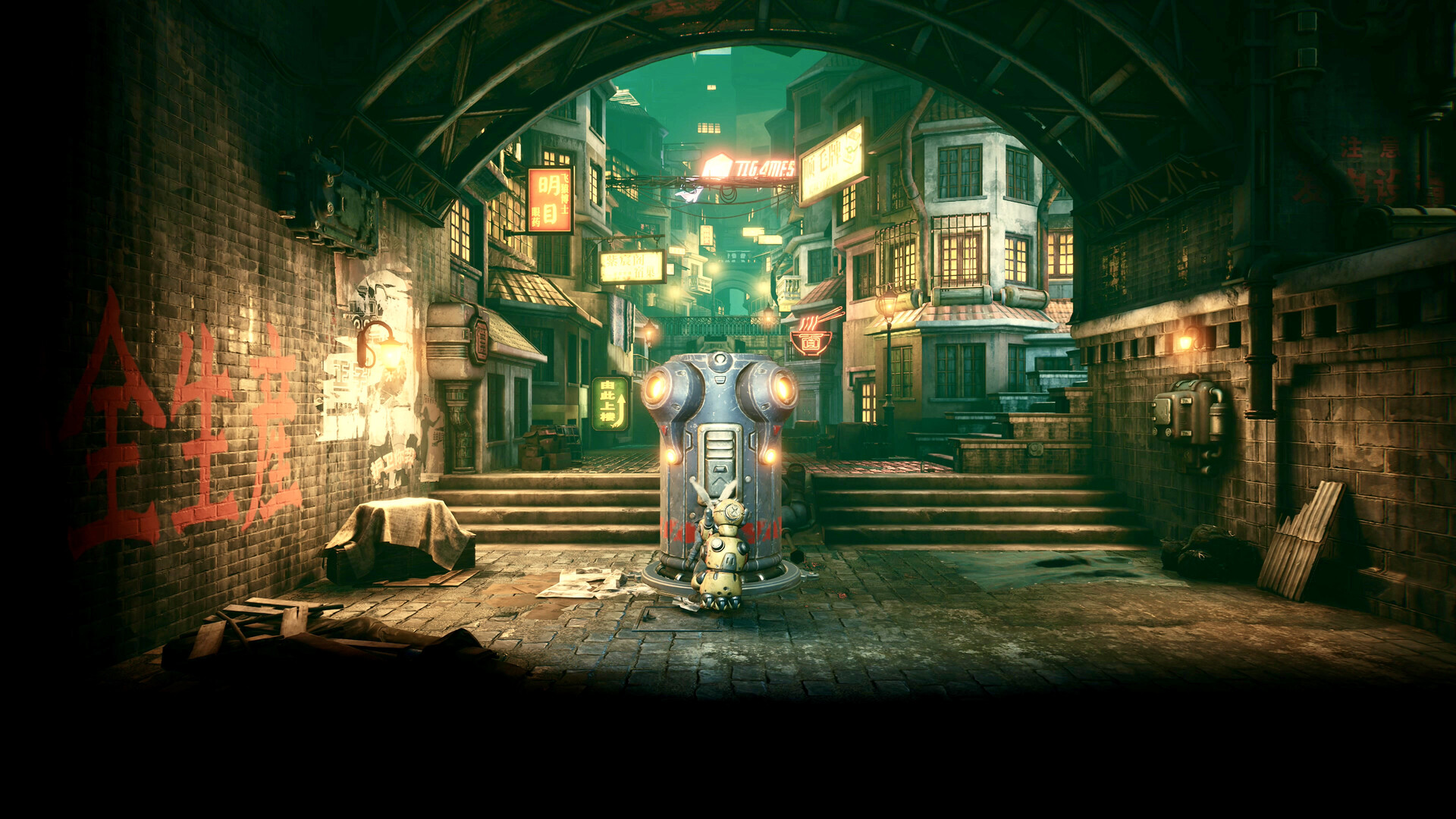
Install https://github.com/Codeusa/Borderless-Gaming/releases Set the game to windowed mode and whatever highest resolution you want Use the Bordeless gaming tool to force the game into borderless mode (see image below) The game will now render in your monitor's resolution. Cutscenes are pillarboxed, but everything else is properly rendered. You will have to run the Bordeless gaming tool every time you play the game. --- Источник: https://steamcommunity.com/sharedfiles/filedetails/?id=2920094143
ИсточникGHub Platform · автор14.09.2026, 01:01:24
Install https://github.com/Codeusa/Borderless-Gaming/releases Set the game to windowed mode and whatever highest resolution you want Use the Bordeless gaming tool to force the game into borderless mode (see image below) The game will now render in your monitor's resolution. Cutsc…
Войдите, чтобы писать в группе