Geometry Wars: Retro Evolved – Fix for "Play → Stop → Play" Startup Crash
GHub Platform · Гайд · 0 ответов · 3 просмотра
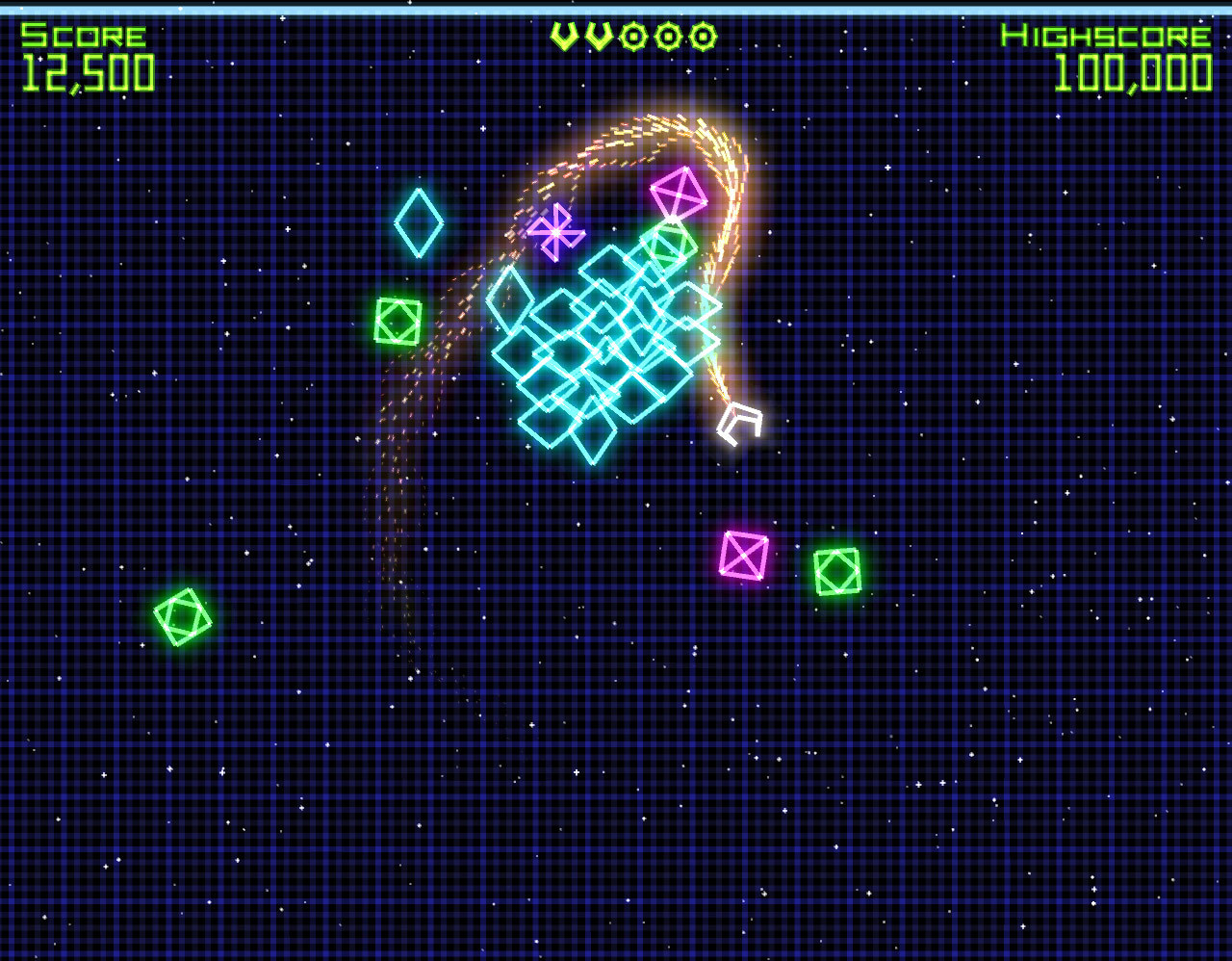
This is a solution for the common startup crash where clicking Play changes the button to Stop for a few seconds before returning to Play. No game window ever appears. The fix worked for me on an AMD Ryzen Threadripper 2950X 16-Core Processor, NVIDIA GeForce RTX 2080, Windows 10 64bit system. The fix involves two changes to the game directory. You can navigate easily there by right clicking the game in your "Library" going to "Properties...", then "Installed Files" and clicking on "Browse...". This should open a directory to "Your Local Disk (C:)/Program Files (x86)/Steam/steamapps/common/Geometry Wars. If you launch the game outside Steam, you will probably get a "Failed to find Steam." error. Step 1: Copy Steam.dll from your Steam installation folder into the Geometry Wars folder. This resolves the "Failed to find Steam." error when launching the game outside Steam. Step 2: Create a batch file (for example, StartGW.bat). The easiest way is to create a new text document and rename its extension from .txt to .bat. You can edit it with Notepad, Notepad++, Windows Notepad, or any other text editor. If you don't see the .txt extension, enable View → File name extensions in File Explorer first. Paste the following two lines into the file: @echo off start "" /affinity FF GeometryWars.exe @echo off simply prevents the Command Prompt from printing each command as it runs. It is optional and does not affect the game's behavior. Instead of "F" you can try the following hexadecimal masks: 3 = 2 logical processors F = 4 logical processors FF = 8 logical processors FFFF = 16 logical processors The .bat file only limits your CPU's processors for the game, nothing outside it. There are a few caveats. The first is that you have to run the game from the .bat file, meaning you have to navigate to the directory first. This also means that you are running the game outside of Steam (no Steam overlay, screenshots etc.). The first is solvable by making a shortcut to the .bat file and placing it in your desktop. Unfortunately you can't add the shortcut to Steam as a Non-Steam Game, because it expects an .exe file. There is a workaround, but it's complicated. I might add that in the future. If alt-tabbing seems slow and laggish try changing the "F" mask. It was slow for me at 8 processors (FF), but switching to 4 (F) made it almost instantaneous. That's all and have fun playing. --- Источник: https://steamcommunity.com/sharedfiles/filedetails/?id=3766955582
ИсточникGHub Platform · автор14.09.2026, 01:52:03
This is a solution for the common startup crash where clicking Play changes the button to Stop for a few seconds before returning to Play. No game window ever appears. The fix worked for me on an AMD Ryzen Threadripper 2950X 16-Core Processor, NVIDIA GeForce RTX 2080, Windows 10…
Войдите, чтобы писать в группе