Where to get Pandora Tomorrow and how to add it to Steam
GHub Platform · Гайд · 0 ответов · 3 просмотра
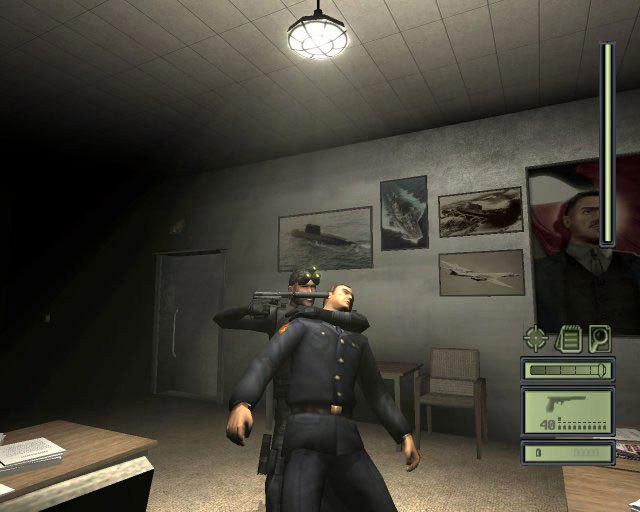
1. https://www.moddb.com/mods/splinter-cell-pandora-tomorrow-fixed-shadows-widescreen-support/downloads/scpt this is the link, just click the red DOWNLOAD NOW and wait for it to finish. This has fixed shadows and widescreen support so don't worry about that. (Disclaimer: This is not my link) 2. Now create a folder on desktop and name it Pandora Tomorrow. 3. (Using 7zip or winRAR) extract it into the folder. 4. Go into the folder and go to SCPT, then Game Files, then system. Now rename the SplinterCell2.exe to Tom Clancy's Splinter Cell Pandora Tomorrow.exe and rename SplinterCell2Logo.bpm to Tom Clancy's Splinter Cell Pandora TomorrowLogo.bpm. 5. You can just play the game right now, but if you want to play it in your current resolution then go to Game Files, system, then scripts. Now go to SplinterCellPandoraTomorrow.WidescreenFix.ini and adjust X and Y accordingly. 6. At the top left-hand corner of Steam, press Games then Add a Non-Steam Game to My Library, then go to Browse..., then Desktop, then Pandora Tomorrow, then Tom Clancy's Splinter Cell Pandora Tomorrow. 7. Now it's in your steam library. You can set up your own custom box art, but if you want some that are already set up, here are some I used. For the box art: For the custom title: For the banner: For the last used banner: Please like and favorite the review if you liked it, if you didn't then don't I guess --- Источник: https://steamcommunity.com/sharedfiles/filedetails/?id=2415638996
ИсточникGHub Platform · автор14.09.2026, 10:01:50
1. https://www.moddb.com/mods/splinter-cell-pandora-tomorrow-fixed-shadows-widescreen-support/downloads/scpt this is the link, just click the red DOWNLOAD NOW and wait for it to finish. This has fixed shadows and widescreen support so don't worry about that. (Disclaimer: This is…
Войдите, чтобы писать в группе