Kohan: Ahriman's Gift: Common Problems & Fixes
GHub Platform · Гайд · 0 ответов · 1 просмотр
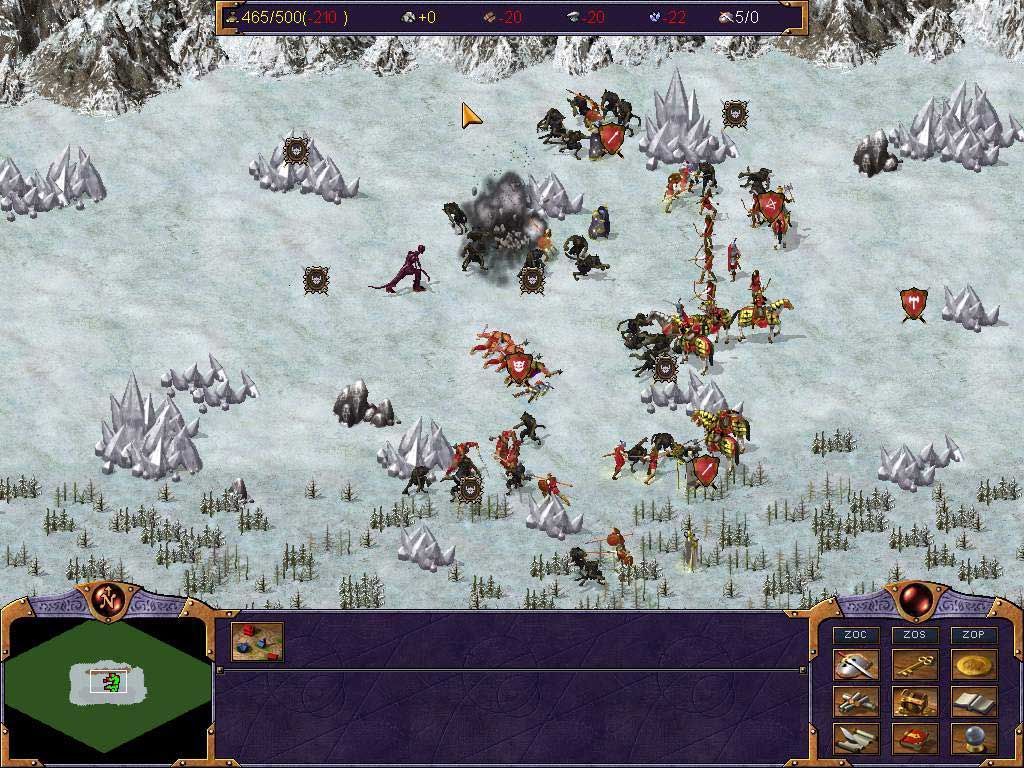
For some reason, Steam doesn't include the manual for the game. It's also extraordinarily difficult to find on the internet for some bizarre reason, but I did manage to find it on replacementdocs. So I've provided a link to it here. Kohan: Ahriman's Gift Manual PDF [drive.google.com] This will warn you about going off site. Nothing bad, it's just a pdf file you can view or download. I've tried to order this section by the problems people may encounter first. These are just the more common issues with running the game on newer operating systems. If you encounter something that isn't mentioned here, scroll further to the Other Issues section. I'll be referring to the \steamapps\common\Kohan Ahriman's Gift\ folder as the "Main" folder. If you need help finding this, scroll further down in the guide. Almost all of the links are hosted off of my Google Drive, which may seem a bit dubious but it suits the need for now. This way we can prevent broken links in future and make sure there is always a way of getting the files. Cannot Purchase the Game on Steam If you loaded up the Store page for Kohan and were unable to purchase the game, it is because the game is only available in a handful of currencies. You may need to ask a friend to gift a copy to you, or get the CD version online. Steam or not, multiplayer will work across them all. Choppy Framerate and Freezes This is the most common problem for Windows 10 users. The game will stutter, freeze or lock up occasionally and make it impossible to play normally. There are TWO fixes to this problem and both of them will require downloading a few extra files and dropping them into your game folder (\SteamLibrary\steamapps\common\Kohan Ahrimans Gift). If you need some help finding this main folder, check the section in the sidebar ->. The two fixes are either the dgVoodoo2 method or the DxWnd method, and since both require a small amount of configuring, I'm going to put the instructions in their own sections. If you want to play fullscreen and stretch the game to fit a 16:9 aspect ratio, I recommend checking the sidebar for dgVoodoo2. If you want to play in a 4:3 window, check the DxWnd section. I've switched over from DxWnd to dgVoodoo2 myself, as it restores a lot of functionality such as Shadowplay and the Steam overlay. 2K Resolutions and Higher The game will typically crash if you're using a monitor resolution higher than 1920x1080. dgVoodoo2 will solve this issue and allow you to play at a much higher resolution, I highly recommend using it. Game Not Starting A few users have had trouble with the game refusing to start, for seemingly no reason at all. One solution was to set the kohan_ag.exe to run in Windows XP Service Pack 2 or 3 compatibility. If it runs, you can turn compatibility off after that if you would like. I don’t understand this fix myself, but it has definitely worked for some. The vast majority of players won’t need to touch the compatibility settings at all. The launcher won't start! If you're trying to start the launcher directly, it likely won't do anything. Just run the game normally through Steam and the launcher will pop up if you have mods or custom campaigns in the folder. Even with the launcher in the folder, the game still launches using Kohan_AG.exe. My game crashes when I launch with mods If you have multiple game changing mods, conflicts between them will cause the game to crash on launch. Selecting both Patch 1.3.10 and PatchMP0.2.0.2 will cause a crash like this. It's best to either use one or the other, but not both. My game crashes during the tutorial There's a known issue in the 2nd tutorial mission when using Patch 1.3.10. The creature units are changed to undead captains, which causes the game to crash when they are encountered. If you're still playing through the tutorial, I'd recommend not using any of the mods at all. Turn it back on when you start playing through the other campaigns. Need more help? Discord Link Here [discord.gg] If the game issue you have isn’t addressed here or you need a bit more tech support, you’re welcome and encouraged to send a message to me (BoNT) from the Discord server. We’re all well acquainted with the frustration of getting the game to run properly on modern systems, so many of the others on the server could likely figure out how to solve the issue as well. [22/02/2022] This isn't the finished video but feel it may help. Dgvoodoo2 is by far the best way to fix most of the game's graphical/performance issues, so even a basic walkthrough of the process might help somebody here. If you prefer 4:3 aspect ratio, open the dgvoodoo control panel and you should be on the General tab. Next to the fullscreen/windowed options is a dropdown list, called Scaling Mode. Try another option on this list to get 4:3. Assuming you're using the Steam version of Kohan, you can find it under \SteamLibrary\steamapps\common\Kohan Ahrimans Gift . Another easy way to find it is to open your Library tab, find Kohan. 1: Click the gear icon on the side. 2: Manage 3: Click browse local files. Unlike dgVoodoo2, DxWnd doesn't come with any magical dll fixes, and it unfortunately won't fix things like the Steam overlay. It is, however, an extremely solid option if you prefer to play in the original 4:3 aspect ratio and in a window. You'll need to put these files in the game folder: libwine.dll ddraw.dll wined3d.dll Download for these files [drive.google.com] Most IMPORTANTLY - Keep DxWnd RUNNING when you want to use windowed mode! Close it only when you want to run the game normally. Installing DxWnD Here's my config for DxWnd [drive.google.com] . If you'd like to skip over this, just use File -> Import on that config file. Don't close DxWnd, just run the game normally. DxWnd on SourceForge [sourceforge.net] Once you've installed and run it for the first time, you should see an empty window like this: These is the list of games that DxWnd will recognise. Right now it's empty however, so let's fix that. Drag Kohan_AG.exe from the "Main" folder onto the empty space. A configuration window will pop up for it but for now, just hit OK. You should test it by running the game on Steam. The game should run in a small window that makes it difficult to read the text. If this does not work, something else is interfering - scroll up and message me on Discord and we'll figure it out. Let's modify a few settings to make it look better. Right click on the Kohan icon in this window -> Modify. We'll change the resolution to 0,0 so the window auto-detects the correct resolution. This is the best setting if you don't want to see any font anomalies or textures stretching. That bar on the top of the window is pretty ugly isn't it? To fix it, go to the Video tab and find Window Style at the top. Choose the modal option. To prevent the loss of sanity, I recommend going to the Mouse tab next and turning on the Mouse Clipper . This will let you scroll in-game without accidentally clicking off of the window. If you're running into issues with DxWnd, I've had some luck with turning flip emulation off in the DirectX tab. DxWnd should autodetect the correct version of DirectX, but if you'd like to specify it, the game runs in DirectX 7. Playing with a Higher Resolution Unfortunately Kohan only has one resolution: 1024x768. The easiest way to stretch the window to fill your screen is to go back to the Main tab in DxWnd, and select desktop work area instead. If your resolution settings are still 0,0 and the aspect ratio is still locked - it should stretch the window correctly. If the game looks a little blurry, DxWnd allows you to apply a filter to sharpen the image. It's under the DirectX tab, on a dropdown list. I recommend Fast Bilinear 2x as the others will consume a lot of resources. To play the game using any mods or extras, such as custom campaigns, you'll need to use the Kohan Launcher. You won't ever need to run the launcher itself. It will auto launch when
ИсточникGHub Platform · автор15.09.2026, 07:15:20
For some reason, Steam doesn't include the manual for the game. It's also extraordinarily difficult to find on the internet for some bizarre reason, but I did manage to find it on replacementdocs. So I've provided a link to it here. Kohan: Ahriman's Gift Manual PDF [drive.google.…
Войдите, чтобы писать в группе