How to play in 2024
GHub Platform · Гайд · 0 ответов · 2 просмотра
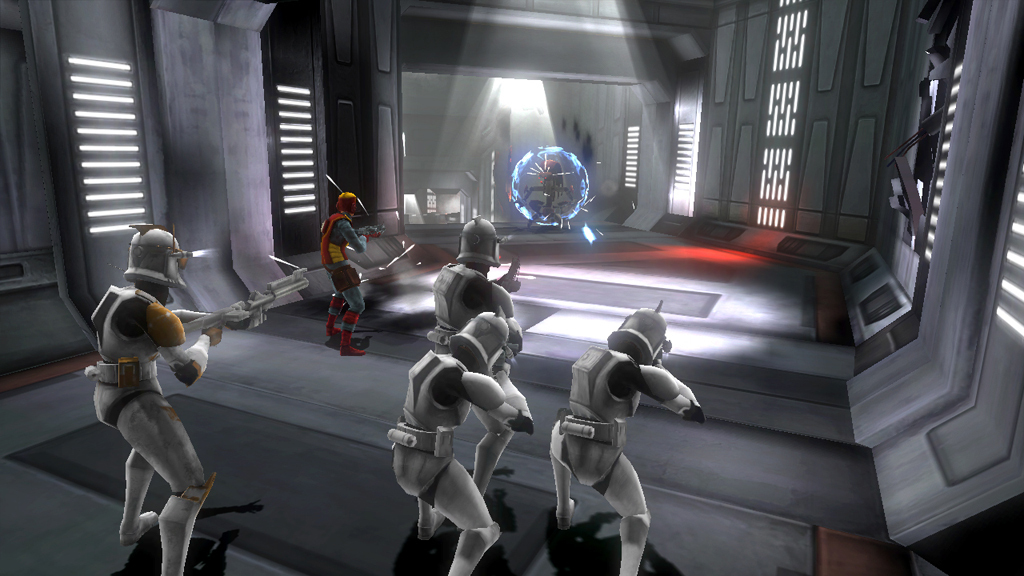
English 1.Go to this link: https://community.pcgamingwiki.com/files/file/576-xliveless/#google_vignette 2.Download the file. 3. Move it to your game directory. Right-click on the game in your library, select Properties, then Installed Files, and click Browse.... 4. Take both files and drag them into the folder that opened in step 3. 5.Go into the "Install" folder. 6. Run both the "gfwlivesetup" and "Physix_9.09" files one after the other and follow the installation instructions. Go back to the folder from step 3 and run the Republic Heros.exe file. A short black screen should appear, followed by a window notifying you that you won't be able to earn achievements. Press Enter, and you'll be in the game menu. Note: I'm not a professional; I simply searched through the files and tried a few things. Therefore, I can only offer limited help if it doesn't work for you or if other problems arise. German 1.Gehe auf diesen Link: https://community.pcgamingwiki.com/files/file/576-xliveless/#google_vignette 2.Lade die Datei herunter. 3. Verschiebe sie in dein Spielverzeichnis. Rechtsklick auf das Spiel in deiner Bibliothek, Eigenschaften, dann Installierte Dateien, und klicke auf Durchsuchen.... 4. Nimm beide Dateien und ziehe sie in den Ordner, der sich bei Schritt 3 geöffnet hat. 5. Gehe in den Ordner „Install“. 6.Führe die Dateien gfwlivesetup und Physix_9.09 nacheinander aus und folge den Installationsanweisungen. Gehe zurück in den Ordner aus Schritt 3 und führe die Republic Heros.exe-Datei aus. Jetzt sollte ein kurzer Blackscreen erscheinen und ein Fenster, das dich darauf hinweist, dass du keine Errungenschaften erhalten kannst. Drücke Enter, und du bist im Spielmenü. Beachte: Ich bin kein Profi; ich habe lediglich etwas in den Dateien gesucht und ein paar Sachen ausprobiert. Entsprechend kann ich nur begrenzt Hilfe leisten, falls es bei dir nicht funktioniert oder andere Probleme auftreten. --- Источник: https://steamcommunity.com/sharedfiles/filedetails/?id=3347033354
ИсточникGHub Platform · автор15.09.2026, 16:44:28
English 1.Go to this link: https://community.pcgamingwiki.com/files/file/576-xliveless/#google_vignette 2.Download the file. 3. Move it to your game directory. Right-click on the game in your library, select Properties, then Installed Files, and click Browse.... 4. Take both file…
Войдите, чтобы писать в группе