Clone Wars - Republic Heroes Start up issue Fix (Without Games for Windows Live)
GHub Platform · Гайд · 0 ответов · 2 просмотра
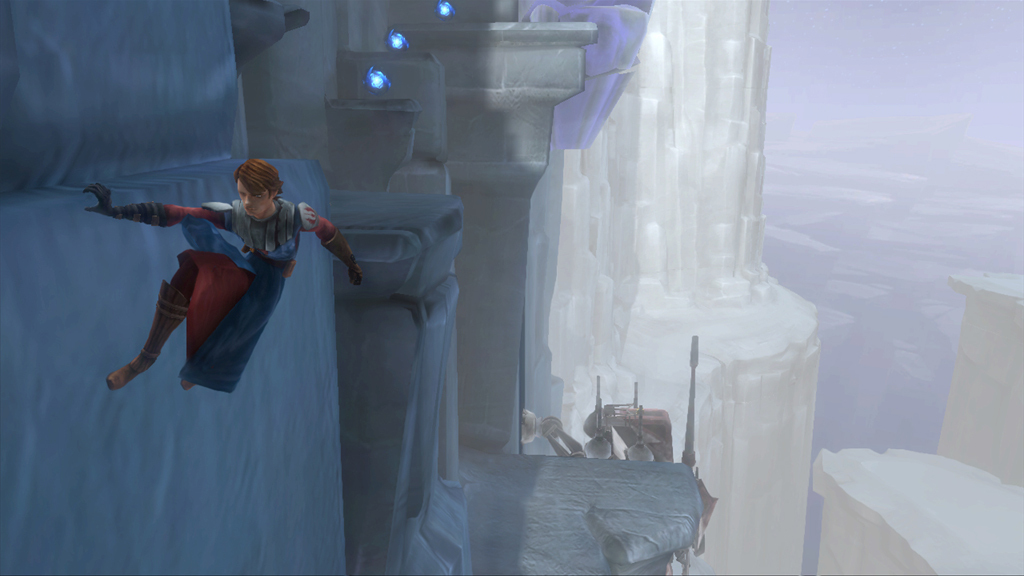
Hello so I will give you a step to step on how to fix this issue so just follow the steps and all good. ( All files and links are safe) Make sure you have something to open the zip file like winrar or 7zip your choice :) 1) Ok so what you are going to do first is to go to the link below and download the file. The file is a dll for the remastered version for bullet storm so in order to bypass the Games for Windows Live ♥♥♥♥♥♥♥♥ download the file it is to stop you for every needing the GFWL App and instead will let you run the game WITHOUT Games for Windows Live. https://community.pcgamingwiki.com/files/file/576-bulletstorm-xlivedll/ 2) After your done downloading the file open the file it should be called xlive.dll (Bulletstorm).zip once opening it navigate to your Game folder (SW Clone Wars-Republic Heroes Folder) The folder should be in C:\Program Files (x86)\Steam\steamapps\common\Star Wars The Clone Wars if it's not there just locate your steam folder, mine is located in: E:\Program Files (x86)\Steam\steamapps\common\Star Wars The Clone Wars or you could just go to your Library/Games in Steam right click on Star Wars Clone Wars - Republic Heroes right click it., navigate or click on local files then click on browse local files then you should find the game folder. (The image of the C:/ is just a self made folder showing where yours could be its not actually where mine is located but I hope it still helped!) (Where my folder is located) 3) Once you are in the game folder open the rar file and Drag and drop the xlive.ini and xlive.dll file into your game folder then there you go it should be fixed. If you get a black screen just keep pressing enter it should load pretty quick. I hope this guide helped and thank you. I hope this helped! I would love feed back if you also have any questions please tell me. I will also try update this guide I also know my guide isn't the best as well but I try. Thank you :) Привет, так что я дам вам шаг, чтобы наступить на то, как решить эту проблему, просто следуйте инструкциям и все хорошо. (Все файлы и ссылки безопасны) Убедитесь, что у вас есть что-то, чтобы открыть zip-файл, например winrar или 7zip на свой выбор :) 1) Итак, что вы собираетесь делать в первую очередь, перейдите по ссылке ниже и загрузите файл. Файл является dll для обновленной версии для bullet storm, поэтому для того, чтобы обойти Games для Windows Live, дерьмо загрузите файл, чтобы остановить его для каждого, кто нуждается в приложении GFWL, и вместо этого вы сможете запускать игру WITHOUT Games for Windows Live , https://community.pcgamingwiki.com/files/file/576-bulletstorm-xlivedll/ 2) После того, как вы закончили загрузку файла, откройте файл, он должен называться xlive.dll (Bulletstorm) .zip, как только откроете его, перейдите в папку Game (SW Clone Wars - Republic Heroes Folder). Папка должна находиться в папке C: \ Program Files (X86) \ Steam \ steamapps \ common \ Звездные войны Войны клонов Если это не так, просто найдите папку с паролем, моя находится в: E: \ Program Files (x86) \ Steam \ steamapps \ common \ Star Wars The Clone Wars или вы можете просто пойти в свою библиотеку / игры в Steam, щелкните правой кнопкой мыши Star Wars Clone Wars - Republic Heroes щелкните правой кнопкой мыши по нему, перейдите или щелкните по локальным файлам, затем нажмите на просмотр локальных файлов, затем вы должны найти папку с игрой. (Изображение C: / - это всего лишь папка с собственными файлами, показывающая, где ваша может быть не та, где находится моя, но я надеюсь, что она по-прежнему помогла!) (Где находится моя папка) 3) После того, как вы находитесь в папке с игрой, откройте файл rar и перетащите файл xlive.ini и xlive.dll в вашу папку с игрой, и тогда вы идете, это должно быть исправлено. Если вы получаете черный экран, просто продолжайте нажимать клавишу Enter, это должно загрузиться довольно быстро. Я надеюсь, что этот путеводитель помог и поблагодарил вас. Надеюсь, это помогло! Я хотел бы вернуться, если у вас также есть какие-либо вопросы, пожалуйста, сообщите мне. Я также попробую обновить это руководство. Я также знаю, что мой гид не самый лучший, но я стараюсь. Спасибо :) --- Источник: https://steamcommunity.com/sharedfiles/filedetails/?id=922827952
ИсточникGHub Platform · автор15.09.2026, 16:44:29
Hello so I will give you a step to step on how to fix this issue so just follow the steps and all good. ( All files and links are safe) Make sure you have something to open the zip file like winrar or 7zip your choice :) 1) Ok so what you are going to do first is to go to the lin…
Войдите, чтобы писать в группе