getting puzzle quest to work on windows 10
GHub Platform · Гайд · 0 ответов · 1 просмотр
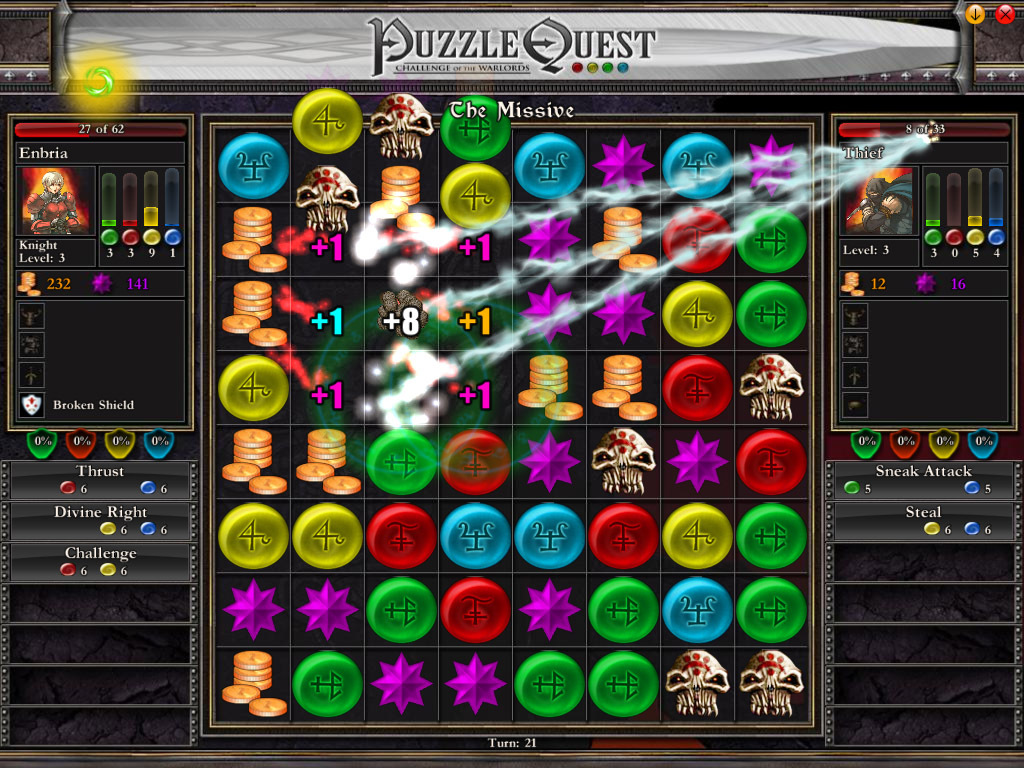
after having a look at all other guides regarding getting puzzle quest to work via steam, the following 2 items might or might not be relevant. i applied them anyway. install "openal", an interesting but failed attempt to be the opengl of audio. in your default steam install the installer can be found here: C:\Program Files (x86)\Steam\steamapps\common\Puzzle Quest\oalinst.exe enable "directplay" in windows features under legacy components. since the config screens change with each windows 10 release i suggest just googling where to find it & turn it on. at first glance it seems puzzle quest seems to fail on modern systems since it attempts to execute code from memory that's marked non-execute. this is bad design but that's just how most code was written 15 years ago. most operating systems just make the program crash if it tries to do something like this. 15 years ago it could be an optimization that rewrote code in memory, but in 2020 most of the time it's a virus or other unwanted piece of code. making the program crash is the default & so it should be. for the nerds among us here is a quick stackdump: CONTEXT: (.ecxr) eax=0019ffcc ebx=00316000 ecx=006da3db edx=006da3db esi=006da3db edi=006da3db eip=006da3db esp=0019ff74 ebp=0019ff80 iopl=0 nv up ei pl zr na pe nc cs=0023 ss=002b ds=002b es=002b fs=0053 gs=002b efl=00010246 Puzzle_Quest!PHYSFS_writeUBE64+0x1cd8cb: 006da3db 53 push ebx Resetting default scope EXCEPTION_RECORD: (.exr -1) ExceptionAddress: 006da3db (Puzzle_Quest!PHYSFS_writeUBE64+0x001cd8cb) ExceptionCode: c0000005 (Access violation) ExceptionFlags: 00000000 NumberParameters: 2 Parameter[0]: 00000008 Parameter[1]: 006da3db Attempt to execute non-executable address 006da3db PROCESS_NAME: Puzzle Quest.exe EXECUTE_ADDRESS: 6da3db FAILED_INSTRUCTION_ADDRESS: Puzzle_Quest!PHYSFS_writeUBE64+1cd8cb 006da3db 53 push ebx ERROR_CODE: (NTSTATUS) 0xc0000005 - The instruction at 0x%p referenced memory at 0x%p. The memory could not be %s. EXCEPTION_CODE_STR: c0000005 EXCEPTION_PARAMETER1: 00000008 EXCEPTION_PARAMETER2: 006da3db ADDITIONAL_DEBUG_TEXT: Followup set based on attribute [ThreadStartAddress] from Frame:[1] on thread:[42d8] STACK_TEXT: 00000000 00000000 Puzzle_Quest.exe!unknown_error_in_process+0x0 00000000 00000000 unknown![.ecxr]+0x0 0019ff74 006da3db Puzzle_Quest!PHYSFS_writeUBE64+0x0 0019ff88 76f07c24 ntdll!__RtlUserThreadStart+0x0 0019ffe4 76f07bf4 ntdll!_RtlUserThreadStart+0x0 STACK_COMMAND: .ecxr ; ~~[0x42d8]s ; .frame 1 ; ** Pseudo Context ** Pseudo ** Value: 6afd028 ** ; kb SYMBOL_NAME: Puzzle_Quest.exe!unknown_error_in_process MODULE_NAME: Puzzle_Quest.exe! IMAGE_NAME: Puzzle_Quest.exe FAILURE_BUCKET_ID: SOFTWARE_NX_FAULT_CODE_c0000005_Puzzle_Quest.exe!unknown_error_in_process OS_VERSION: 10.0.18362.1 BUILDLAB_STR: 19h1_release OSPLATFORM_TYPE: x86 OSNAME: Windows 10 first of: several security features will need to be disabled. this is in general a bad idea! thankfully windows 10 lets you disable them on a per program basis. first open up windows security and go to app & browser control, then scroll all the way down to "exploit protection settings" once there go to "program settings", click "add program to customize" & then "exact file path" the default install will have the puzzle quest exe here: C:\Program Files (x86)\Steam\steamapps\common\Puzzle Quest\Puzzle Quest.exe then you need to select the newly added puzzle quest.exe & click edit: and the finally "override" all system settings (only for puzzlequest, not for anything else!) and make sure they're all turned "off". this is not a magic bullet to make whatever program you have that's failing work. turning of any of these security features for multiple programs or for the whole system is A VERY BAD IDEA --- Источник: https://steamcommunity.com/sharedfiles/filedetails/?id=2193560480
ИсточникGHub Platform · автор16.09.2026, 02:22:03
after having a look at all other guides regarding getting puzzle quest to work via steam, the following 2 items might or might not be relevant. i applied them anyway. install "openal", an interesting but failed attempt to be the opengl of audio. in your default steam in…
Войдите, чтобы писать в группе