Quick Guide to Getting Started in Albion Online
GHub Platform · Гайд · 0 ответов · 1 просмотр
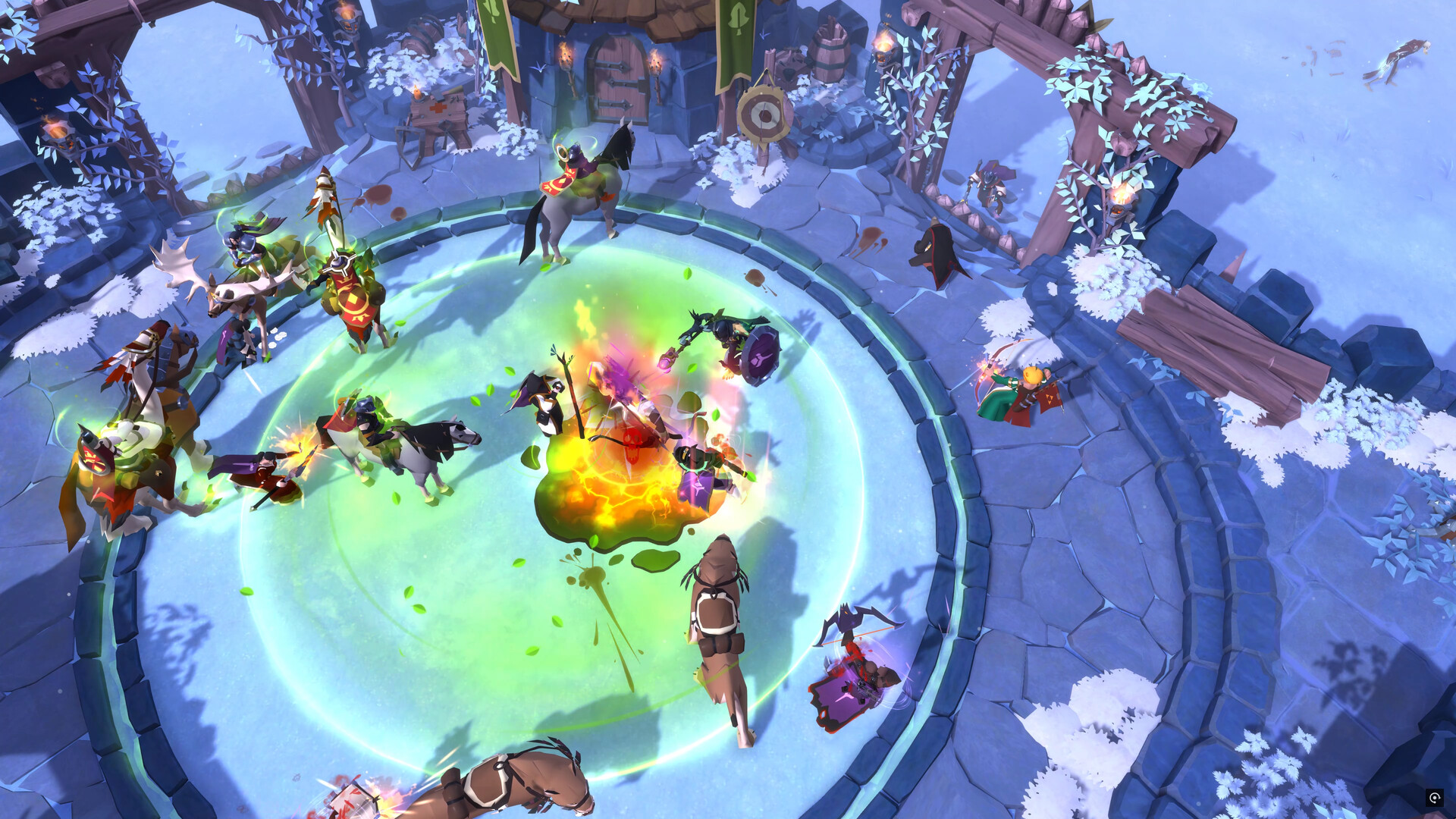
Many people who take up Albion Online do so after having played classic themepark MMORPGs such as World of Warcraft. It's important to remember that Albion Online is not that kind of game. Your hand will not be held. Your dreams will not be fulfilled. Do not skip the tutorial. Complete the tutorial and pay attention to it. If you already completed it but clicked through on the assumption that it's the same as every other game then go back and do it again. The tutorial teaches you a lot of basic things that you will be expected to know. This guide covers a lot of other basics that you will need to know. Once you reach the mainland, the tutorial will introduce you to the Albion Journal. The Journal is like an achievement system with rewards attached. At first, you will only have access to the introductory portion but once you have completed your chosen path, the rest of the Journal will become available, though not necessarily visible. At this point your destiny is in your own hands. It's always a good idea to check that a game is set up suitably so hit the cog in the top right and click "Game Settings". Look through the settings and make sure they're how you like them. Two settings of particular interest to new players are these: Deny Invites New players will frequently be invited to guilds but you're not ready to join a guild yet so go ahead and hit "Auto-Deny Guild Invites" in the General section of the settings. This will save you having to deal with being spammed with invitations. When you are ready to join a guild, you can find one that suits you via the Guild Finder tool. Click the shield button to find it. Control Scheme Take some time to look over the control options. For basic controls, you can choose 'Classic Controls' or 'RTS-like Controls'. In the Classic control scheme, LMB is for attack movement or action movement while the RMB is for neutral movement. If you select 'double press to attack' then the first left-click on a mob or player will select it and the second will attack. In the RTS-like control scheme, LMB is for selection and RMB is for attack movement or action movement. For spell-casting you can choose 'Normal', 'Quick Cast on Button Press' or 'Quick-Cast on Button Release'. When casting a spell normally, you press the key and then click where to cast it. Quick casting will cast the spell at the mouse's location when the key is pressed or released. Commands If you'd like to see your ping and/or fps, open chat and type /ping or /fps and the information will be displayed just to the left of the minimap in the bottom right of the screen. For more information about any aspect of the game, use /wiki [subject] to look it up. Use /rules to read the chat rules and use /? to see more of what you can do with chat. The Destiny Board is the tree which tracks the development and ability of your character. Press B to open it. Take some time to study it carefully. Adventuring experience begins in the center and moves up from there. Combat experience is on the left, Crafting on the right. On the bottom is Farming and Gathering. Each node provides important information about how to advance your development and what benefits you get as you advance. Whenever you have a question about how to craft something, what a certain weapon can do or when you'll be able to ride a fancy mount, the Destiny Board should be the first place you look for answers. Be careful to note whether a node will make an item usable or craftable . In the many settlements of Albion, you'll find stations run by NPCs. Some of these will be owned by the system and some by other players. You should already be familiar with using stations to craft weapons but did you check out the tabs down the side? The same building where you crafted a weapon can also be used to craft armor or to study items that have already been made. Be sure to visit your local Repair Station and Artifact Foundry to learn more about what you can do with crafted items. Many items can be improved, enchanted and even awakened . Be sure to repair your equipment regularly. If you can't make it back to a repair station, try using the repair table at a nearby outpost instead. In villages, the repair stations and crafting stations can only help you with items of Tier I, II or III. To repair or craft weapons, armour, tools or other items of Tier IV or higher, you'll need to go elsewhere. As a newcomer to the world of Albion, your first priority is likely to be getting some money together so you can buy some decent clothes and get rid of that embarrasing donkey. If you're planning to do any gathering or merchant work then you're going to want to pick up a Transport Ox and if you're looking to pursue the path of the warrior then you'll want to get a Riding Horse. The most convenient way to get your first upgrades is to run Expeditions. Expeditions are short, instanced dungeons with consistent payouts upon completion. Running expeditions will quickly earn you enough money to buy your first new mount. The first expedition you complete each day will also reward you with a bonus payout and a Sigil which you can sell at market or save for future armour upgrades. To get started, look for a big blue portal in your local Royal City. While it's entirely possible to play traditional tank, DPS or healer archetypes in this game, you're free to come up with weird new builds and combinations of your own. Over the course of your career, you can train up with literally every weapon or just focus on one particular thing. It's entirely up to you. When you're new, it's a good idea to try out a variety of weapons and armors to see what you like and don't like. Don't worry about whether what you pick is going to be viable in the endgame. Everything is good for something and anything too strong or too weak will be adjusted soon enough. The goal is to spend your time doing something you enjoy. A great way for new players to build up some starting funds is to gather Rough Stone and/or Rough Logs. These resources can be gathered virtually everywhere (even in cities) and always sell well in markets because of their value as building materials. Eventually, you'll want to move on to gathering higher tier resources which can also be used for crafting. You'll need a Stone Hammer for quarrying Stone, an Axe for chopping Wood, a Skinning Knife for collecting Hide, a Pickaxe for mining Ore, a Sickle for harvesting Fibre and a Fishing Rod for going fishing. Whatever you decide to gather, you should always use tools of the highest tier available to you. You don't have to actually equip a tool as you would a weapon - your character will swap to and from the tool as necessary. Maps are essential for navigating the world of Albion. World Map Press M to open the world map. Have a look around. You'll see the Royal Continent in the South and the Outlands in the North. In the Royal Continent, you should be able to see five different 'Cross' villages, five royal cities and Caerleon the capital. The cities are each indicated by a shining pillar of light. You can zoom in to see individual areas and the connections between them. You can click on an individual area to see the local map of that area. Local Map Press N to open the local map of the area you're in. Each area is colour coded blue, yellow, red or black and this is indicated in the top left of each local map. Dungeons found in an area inherit the area's Tier and PvP rules. The resources which can be gathered in each area are listed in the top right of the local map view. Albion is a full-loot PvP game so expect to see a lot of combat and expect to lose everything when you die. Technically you can be attacked anywhere and you can die in any zone but, in practice, combat works differently depending on what kind of zone you're in. While cities and villages count as blue zones, the only PvP that takes place inside them is consensual duelling. Apart from duels, here's how it works: B
ИсточникGHub Platform · автор17.09.2026, 11:31:18
Many people who take up Albion Online do so after having played classic themepark MMORPGs such as World of Warcraft. It's important to remember that Albion Online is not that kind of game. Your hand will not be held. Your dreams will not be fulfilled. Do not skip the tutorial. Co…
Войдите, чтобы писать в группе