Bejeweled 2 Lag/Crash Fix (Proton/Windows)
GHub Platform · Гайд · 0 ответов · 5 просмотров
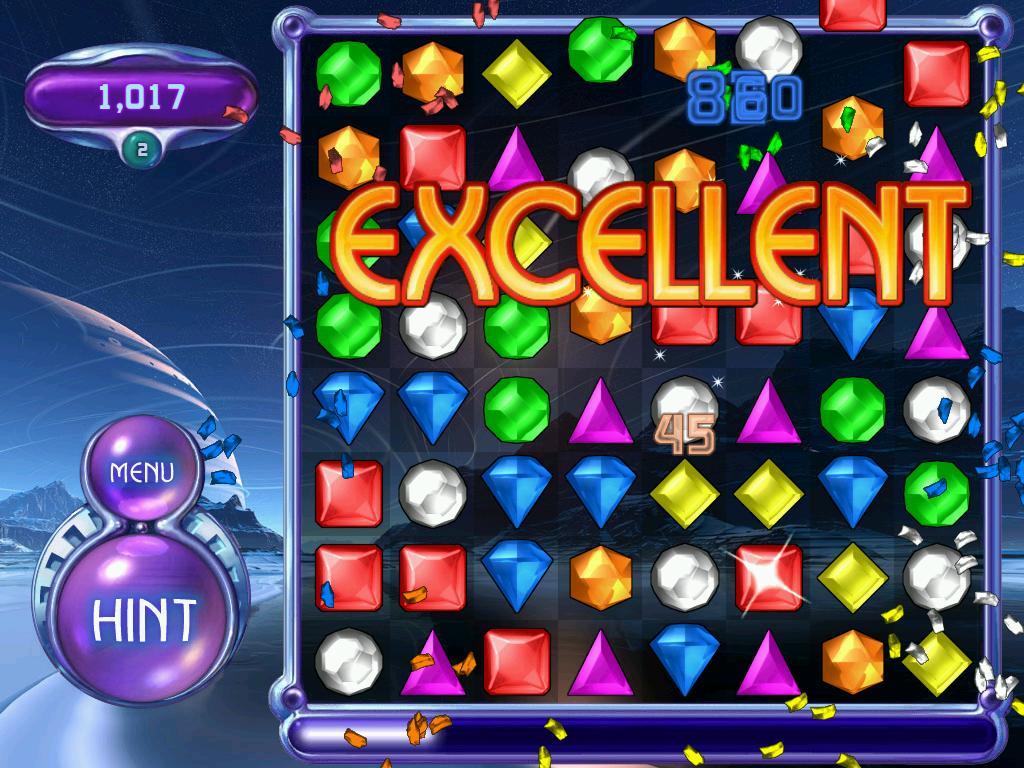
https://steamcommunity.com/sharedfiles/filedetails/?id=3552133278 Here is all the info you need to try this with Bejeweled 2 Deluxe. Normal executable: 'WinBej2.exe' True executable: 'popcapgame1.exe' True executable location: In 'C:\ProgramData\PopCap Games\Bejeweled2\' ) Proton users, remember that the location will be under 'drive_c' in the game's Proton prefix. Proton prefixes are stored in your 'steamapps' folder under 'compatdata'. Bejeweled 2 Deluxe's Proton prefix should be number 3300. Just do the following: Run Bejeweled 2 Deluxe. Go to the file location given above. Copy "popcapgame1.exe" to the game's installation folder. Quit Bejeweled 2 Deluxe. Rename "WinBej2.exe" to something else, like "WinBej2.exe.old". Rename the copy you made of "popcapgame1.exe" to "WinBej2.exe". Done! Now you can play the game as normal. That's it. I hope this guide is helpful to you. For more information consult the Talismania guide linked above. --- Источник: https://steamcommunity.com/sharedfiles/filedetails/?id=3556629553
ИсточникGHub Platform · автор17.09.2026, 17:54:14
https://steamcommunity.com/sharedfiles/filedetails/?id=3552133278 Here is all the info you need to try this with Bejeweled 2 Deluxe. Normal executable: 'WinBej2.exe' True executable: 'popcapgame1.exe' True executable location: In 'C:\ProgramData\PopCap Games\Bejeweled2\' ) Proto…
Войдите, чтобы писать в группе