Widescreen Mod support & Local Split Screen
GHub Platform · Гайд · 0 ответов · 1 просмотр
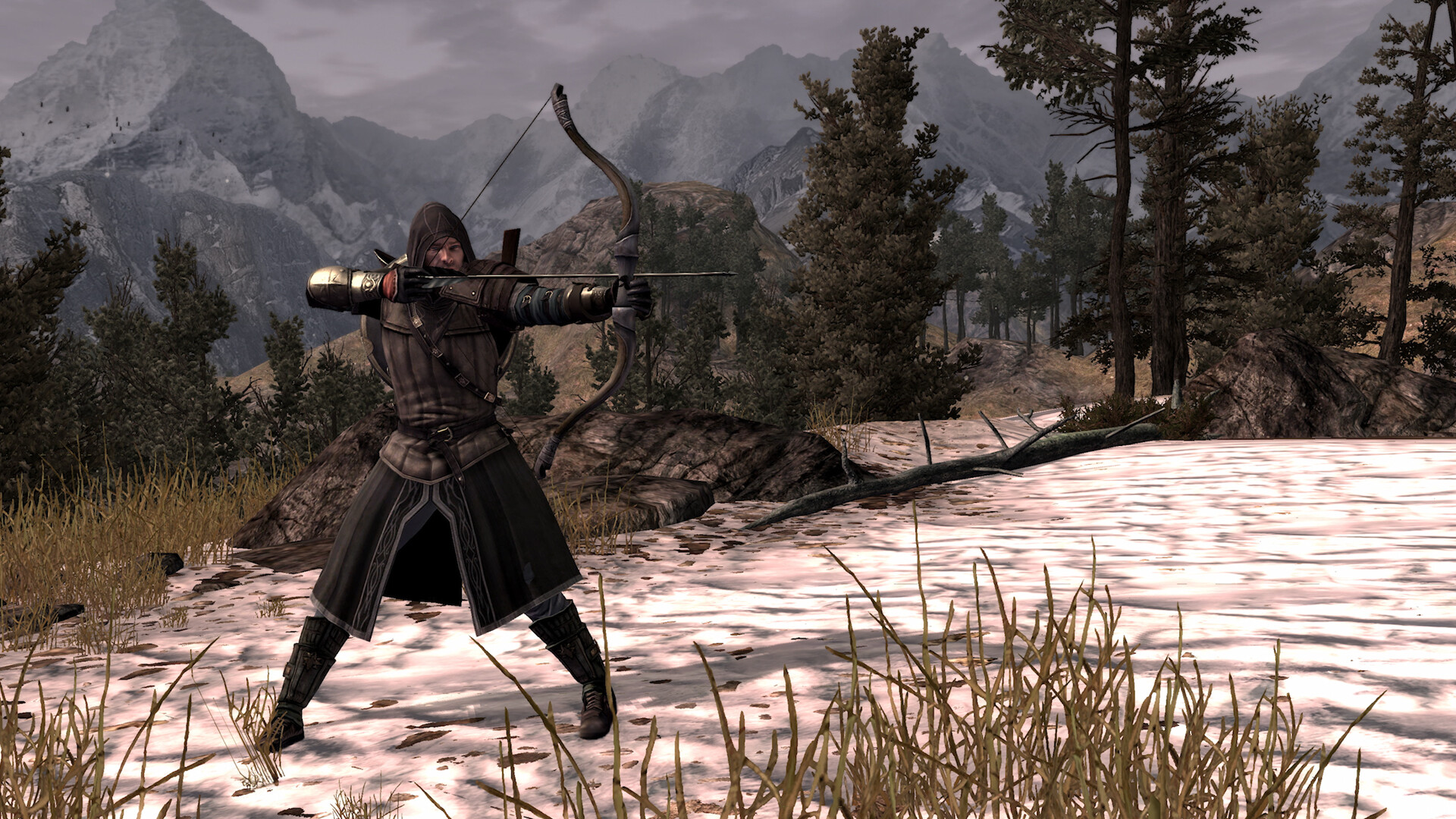
For The Lord of the Rings: War in the North - Legacy Edition (Steam 2523770). If you're playing on an ultrawide monitor, you've probably noticed the Legacy release doesn't offer resolutions wider than 16:9. If you try to force one, it stretches the 2D HUD layer about 34% too large (running it off the top and bottom of the screen), and the camera crops vertically instead of opening up, making your view tighter than standard 16:9. This patch fixes all three of those issues , repositions the HUD for a wide screen, and even adds a save key. Tested at 2560x1080, 3440x1440, 3840x1600 and 5120x1440. 1. Unlocks ultrawide resolutions The game only accepts 16:9, 16:10, 4:3 and 5:4, so anything else — 3440x1440 included — gets thrown out before it reaches the menu. I widened the ratio tolerance and repurposed the two slots an ultrawide never uses, so a single build now covers the whole family: 21:9 / 24:10 — 2560x1080, 3440x1440, 3840x1600, 2520x1080, 5120x2160 32:9 / super-ultrawide — 5120x1440, 3840x1080, 7680x2160 2. Fixes the UI Menus and HUD are authored for 16:9 and stretched across the whole screen, so on an ultrawide everything came out oversized. Scaling is now locked to screen height, which is how it was meant to look. 3. Proper Hor+ field of view Stock, the game pins the horizontal FOV at 90° and lets the vertical fall out of your aspect ratio. Widening the screen doesn't show you more at the sides — it crops the top and bottom ( 58.7° vertical at 16:9 drops to 45.4° at 21:9), which is why ultrawide looked zoomed in. FOV zoom keys. Numpad - zooms out, + zooms in, * resets. Hold to glide, 0.5×–2.0×. Zooming in now works at every aspect ratio (it used to stop at the Hor+ floor). Not saved between launches — --fov-scale sets the default. 3. Local Split Screen Fixed the Local split screen HUD display and FOV. Python 3, any recent version, from python.org/downloads Install Copy every file from this package into your game folder, the one that contains witn.exe: ...\steamapps\common\LORWIN Double-click install.bat Uninstall Keep both .original files of anything they touch and restore from it. Steam's "Verify integrity of game files" also puts everything back. Important Notes Quit before relaunching. Fully quit the game before relaunching - it caches settings on exit. Safe to re-run. Both scripts always rebuild from the .original backup, so re-running them is safe and repeatable, and options can be changed as many times as you like without uninstalling first. Steam updates. If a Steam update replaces witn.exe, you may have to uninstall the mod, then rerun the mod file again. This is a patcher, not a modified game. It edits your own installed copy in place, which is why no game file is included here. Version 1.8.1 https://drive.google.com/file/d/1DN-YA4uoW6V7LwbfUcP-xyNUKXW6DPhb/view?usp=sharing https://steamcommunity.com/sharedfiles/filedetails/?id=3795775774 https://steamcommunity.com/sharedfiles/filedetails/?id=3787342265 https://steamcommunity.com/sharedfiles/filedetails/?id=3804067646 --- Источник: https://steamcommunity.com/sharedfiles/filedetails/?id=3786147705
ИсточникGHub Platform · автор20.09.2026, 12:53:56
For The Lord of the Rings: War in the North - Legacy Edition (Steam 2523770). If you're playing on an ultrawide monitor, you've probably noticed the Legacy release doesn't offer resolutions wider than 16:9. If you try to force one, it stretches the 2D HUD layer about 34% too larg…
Войдите, чтобы писать в группе